
Dynamic In-Office Communications Built for Today’s Hybrid Workforce

Access Guide
About this Guide
The purpose and use of the office changed when hybrid work became the norm. But did your approach to in-office communications and space management evolve at the same time?
The modern workplace has gone through a transformation—both in how office space is designed and used, as well as how communications are delivered for on-site, remote, and frontline employees. Prior to the pandemic, many businesses created neighborhoods for specific teams, delivering relevant communications to those employees via digital signage, while remote employees relied on a combination of email and mobile to receive company information. And frontline workers typically received business communications through a mix of digital signage and in-person meetings. Then the pandemic hit. Many offices were either partially or completely shut down for an extended period. A renewed focus on communicating effectively with a remote workforce emerged, while news cycles were awash with musings about whether in-office work was a thing of the past.
When the dust settled, businesses evaluated when and how—or if—they should welcome employees back to the office. It’s clear now that the office isn’t going anywhere. But things will need to change.
That means the way we think about and use the office must change. It can’t be a warehouse of workers any longer. Instead, it will be a place to collaborate. A place for certain meetings that are more productive when held in person. A place that employees can choose to come to based on their needs on any given day. A place designed to optimize the employee experience.
In this guide, we’ll walk through how companies can provide dynamic communications to on-site employees, while also enabling advanced desk hoteling and space management functionality, creating the type of employee experience your workforce will expect. And as we know from the staggering employee attrition rates of recent years, if people don’t get the workplace experience they expect, they don’t stick around.

Join The Mailing List to get The Latest Resources
Related Content
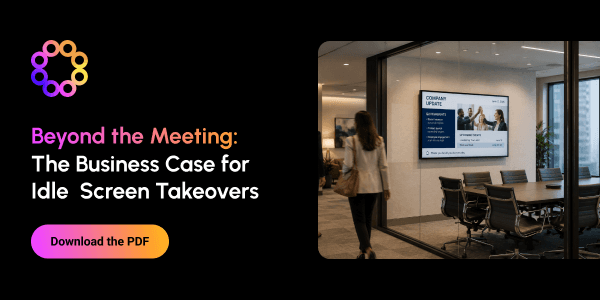
Beyond the Meeting: The Business Case for Idle Screen Takeovers
This guide explores how organizations can transform idle conference room screens into valuable employee communication channels. By displaying content between meetings—and automatically returning screens to their primary function when needed—businesses can extend the value of existing technology without disrupting workplace workflows. Idle screen takeovers can reinforce strategic priorities, expand campaign reach, promote time-sensitive information, improve meeting readiness, celebrate employee achievements, and deliver location- or audience-specific messages. The guide recommends keeping each screen focused on one clear message with concise copy, strong visual hierarchy, and an appropriate expiration date. The guide also provides a readiness checklist covering technical compatibility, stakeholder roles, content ownership, targeting capabilities, measurement, and governance. It encourages organizations to begin with a focused, low-risk pilot, evaluate its impact, and then scale the program across additional screens and locations.
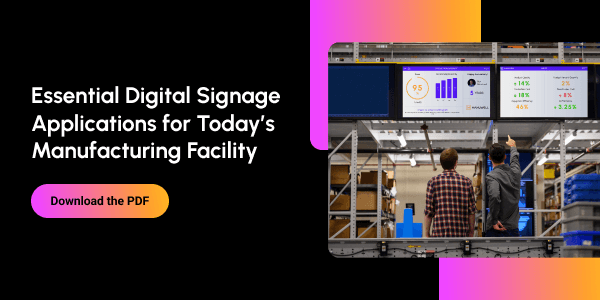
Essential Digital Signage Applications for the Modern Factory Floor
This guide explains how digital signage helps modern manufacturing facilities turn real-time information into action. Strategically placed screens give operators, supervisors, and plant leaders immediate visibility into production performance, machine status, schedules, alerts, standard work instructions, and operational milestones. It also highlights applications that support quality, safety, and employee communication. These include inspection and scrap dashboards, environmental monitoring, process-change notifications, safety metrics, hazard and emergency alerts, training reminders, company news, HR updates, and employee recognition. By connecting digital signage with MES, business intelligence, maintenance, quality, equipment, inventory, and logistics systems, manufacturers can bring previously siloed data directly onto the factory floor. The result is stronger situational awareness, faster responses, better coordination, and improved productivity, quality, safety, and workforce alignment.
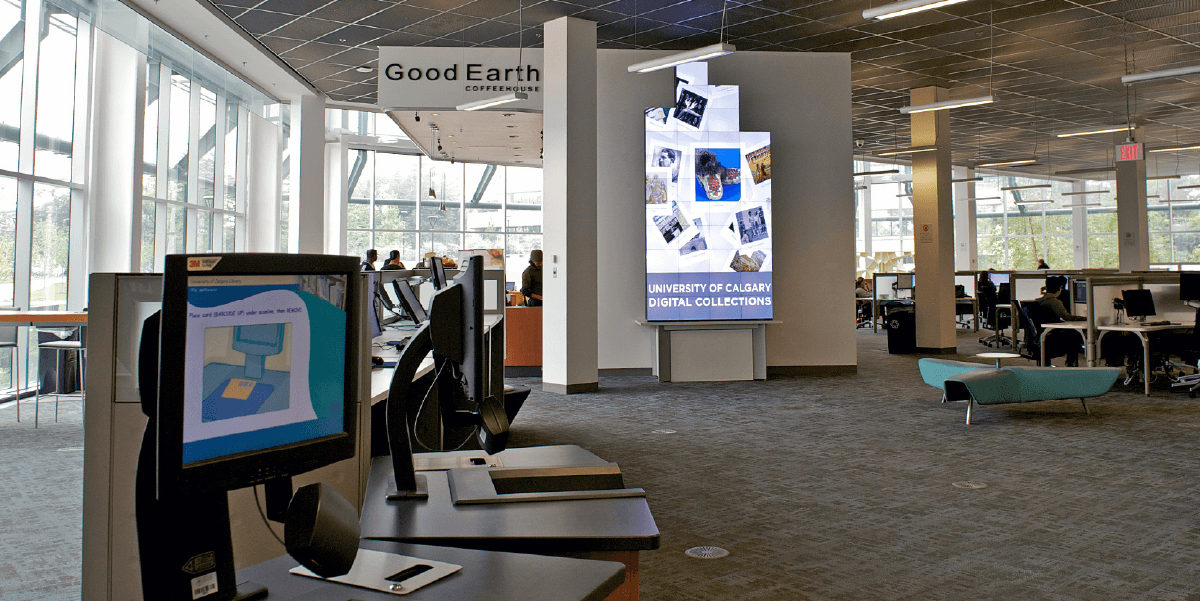
Campus Communication Reimagined: The Digital Signage Advantage
Over the past two decades, campus communication has shifted from posters and email blasts to a complex web of comms channels that are accessible to students, faculty, and visitors throughout their days. The modern university is both physical and digital, and the speed of communication must meet the needs of a digitally-native generation. In this environment, digital signage has moved from a nice-to-have to a strategic medium—visible, immediate, and flexible—one that connects a dispersed campus. This whitepaper explores how institutions are using digital signage to communicate smarter and faster, and how to build a program that is easy to operate, simple to scale, and resilient in the moments that matter most. Drawing on Poppulo’s expertise in digital signage for college campuses , we’ll share how leading universities are centralizing digital signage management, empowering multiple departments, and using data and design to make every message count. Keep reading to learn how top universities are leveraging digital signage to create more connected, informed, and vibrant campus communities, setting new standards for communication in higher education.