Digital Signage Integrations

Seamlessly integrate with your existing tools to achieve more.

Request a demo

Communications, Content & Engagement

Bring workplace communications, creative content and social feeds to screens across your organization.

  • Microsoft OneDrive
  • Canva
  • Viva Engage
  • SharePoint
  • Twilio
  • Microsoft Exchange
  • OC Tanner
  • Stackla
  • Tint Social Media
  • Falcon.io
  • Chatter

Business Data & Analytics

Turn business intelligence, CRM and reporting data into timely dashboards, KPIs and operational updates.

  • Google Analytics 4
  • Microsoft SQL
  • MySQL
  • Oracle
  • Smartsheet
  • Tableau
  • Salesforce
  • Power BI

Events, Scheduling & Hospitality

Keep event schedules, bookings, venue details and guest-facing information accurate and current.

  • 25Live
  • Accruent EMS
  • Amadeus (Delphi)
  • CBORD
  • CollegeNET Series 25
  • Google Calendar
  • Hyatt Envision
  • JRNI Booking
  • Marriott Consolidated Inventory & CI/TY
  • Momentus Technologies
  • Newmarket Delphi
  • Newmarket I-Server, Webserver, & WS Events
  • Otalio
  • Simpleview CRM
  • Starwood ISAC

Live Data, Operations & IoT

Connect real-time feeds, operational systems and connected devices to responsive, up-to-date screen content.

  • Bally’s
  • Everbridge
  • Fitbit
  • IGT
  • Queuing Systems
  • Roadify
  • Vistar Media
  • Wikipedia
  • Yelp
  • Stats Perform

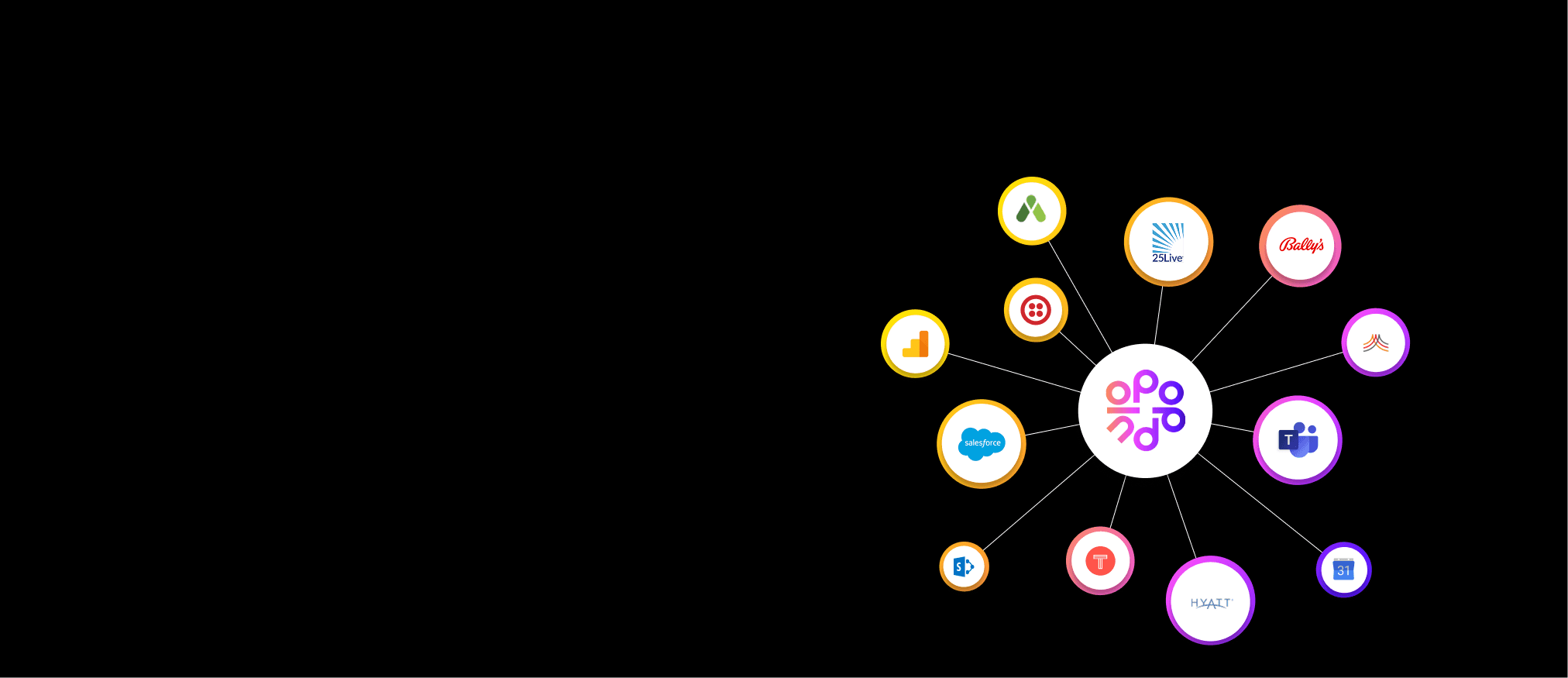
Company logos displayed within our Digital Signage Integration module are provided byLogo.dev

Connect Your Business Tools to Digital Signage with Ease

Bring the information your teams rely on every day directly to your screens. With built-in Integrations tooling, you can automatically pull data from the business systems you already use, helping keep content accurate, up to date, and relevant without extra manual effort.

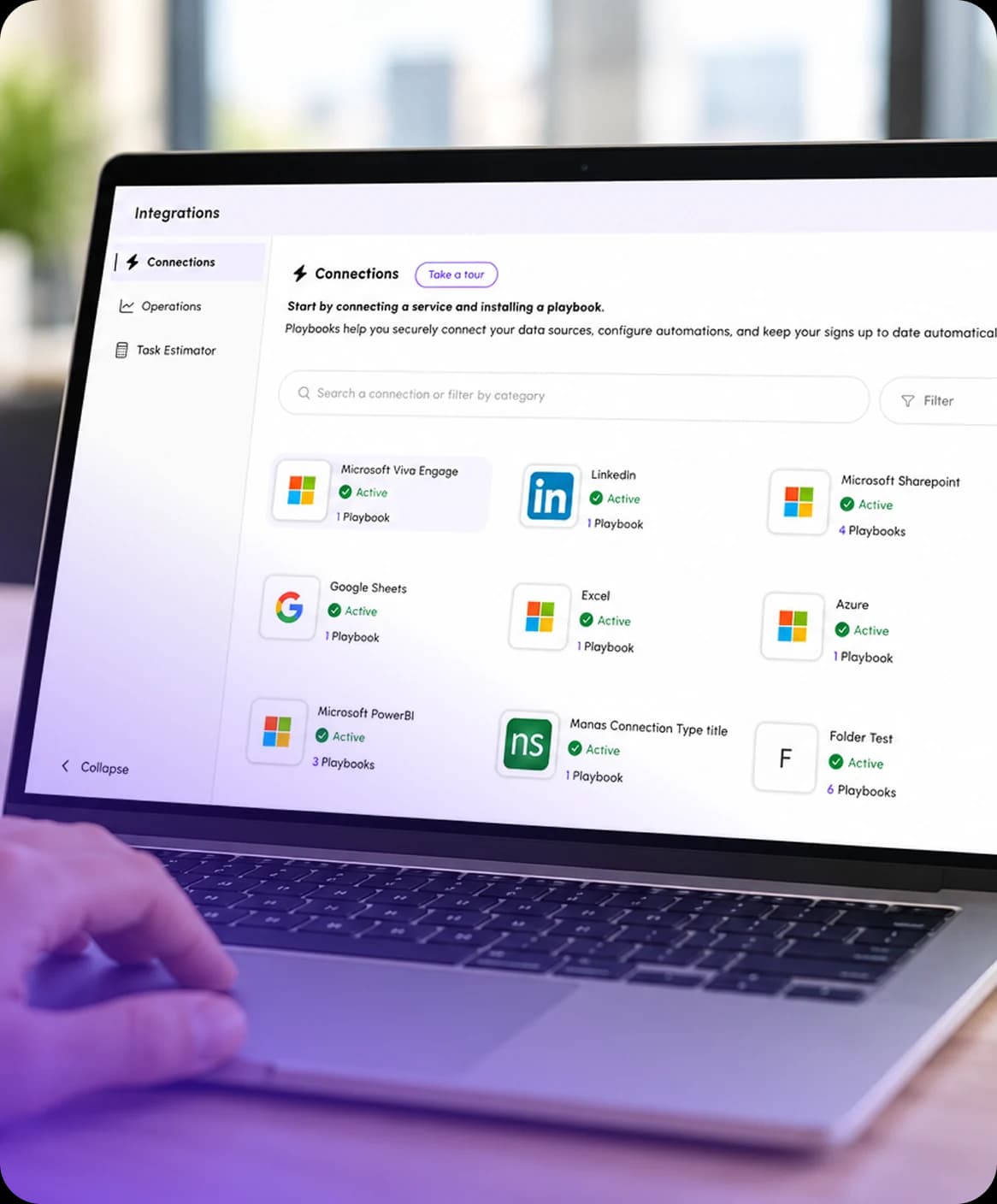
Poppulo Integrations screen on a laptop showing available connections

Connect Faster

Easily bring data from the tools your organization already uses into your digital signage network. Get up and running quickly with trusted connections and a simple setup process.

  • Connect to platforms like SharePoint, Salesforce, Workday, Power BI, Google Sheets, and more
  • Set up secure, reusable connections once and use them across multiple workflows
  • Easily see connection status and identify issues when they occur
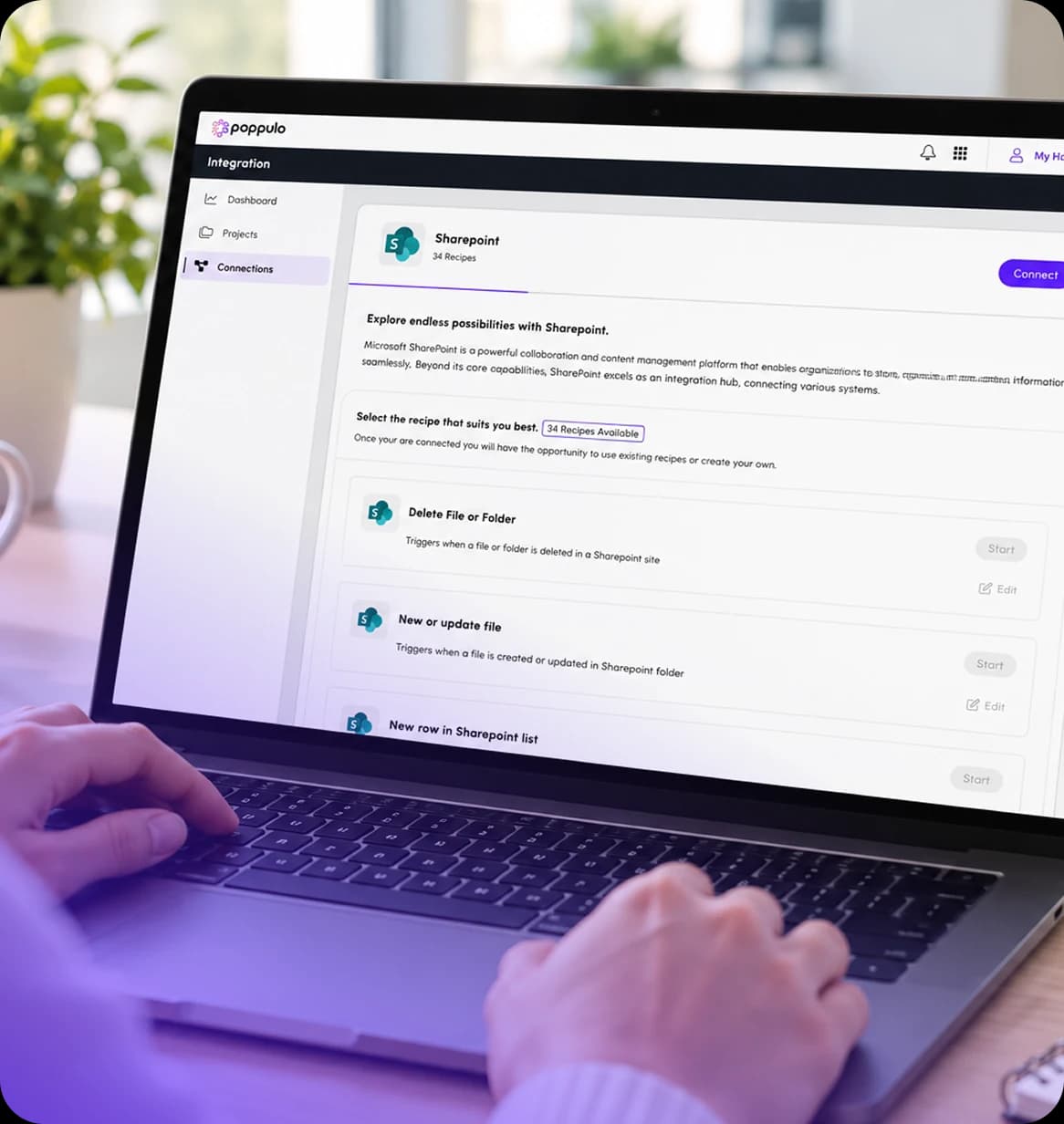
  • Reduce the time spent manually moving information between systems
Poppulo Integrations screen on a laptop showing SharePoint recipes

Automate Updates

Keep content fresh and relevant by automatically updating screens with the latest information from your business systems.

  • Start with pre-built templates for common use cases
  • Create workflows that fit your unique communication needs
  • Schedule updates to run automatically or trigger them based on events
  • Eliminate repetitive manual content updates
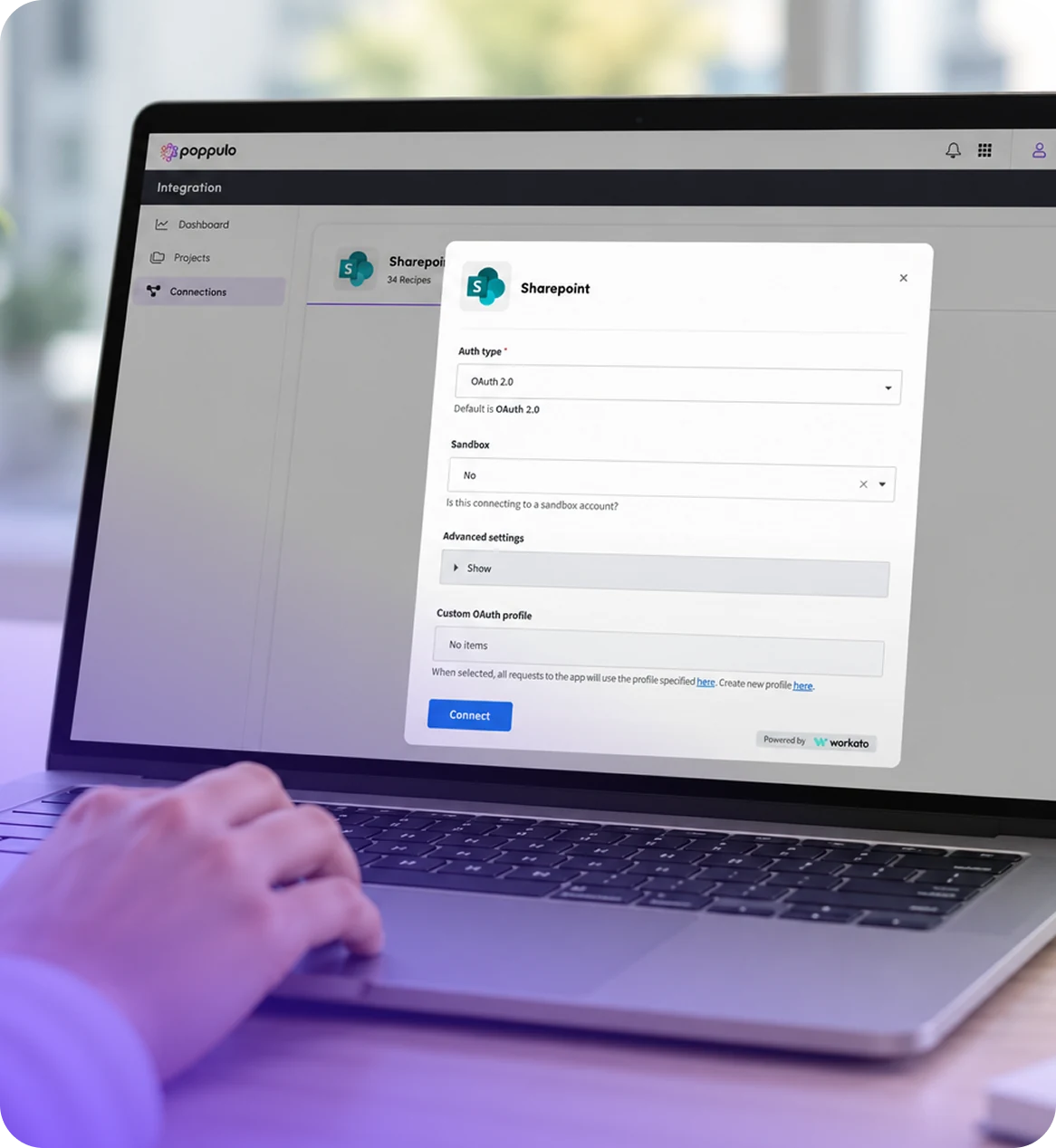
Poppulo Integrations screen on a laptop showing a SharePoint connection being set up

Launch with Confidence

Make sure your data appears exactly where and how you want it before publishing to your screens.

  • Map information from your source system into Poppulo content
  • Preview and validate workflows before activating them
  • Ensure data is accurate and displays correctly on screens
  • Make updates with confidence using a guided setup experience
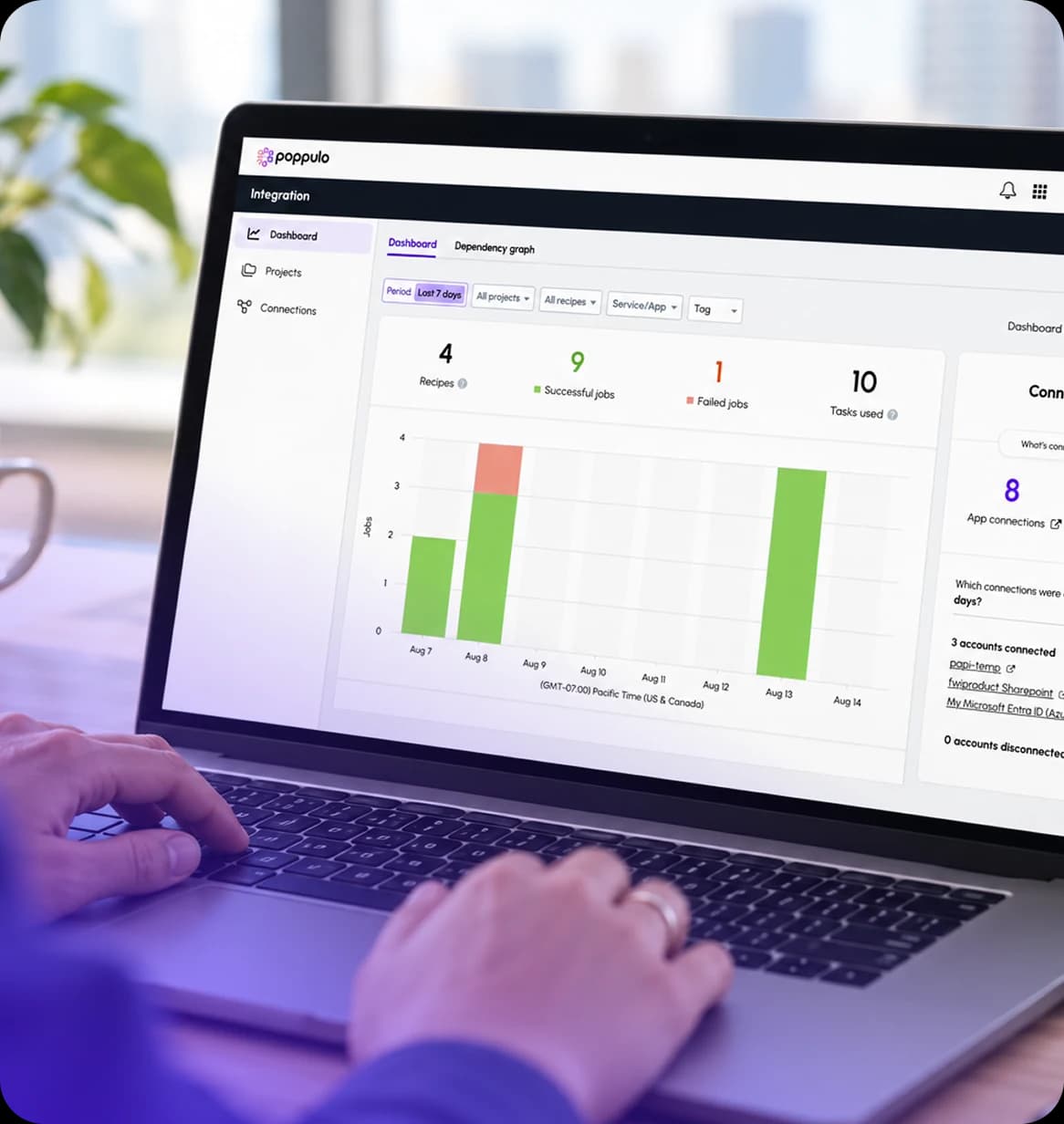
Poppulo Integrations dashboard on a laptop showing workflow activity

Monitor and Optimize

Stay informed with visibility into workflow activity, performance, and automation usage.

  • Track workflow status and successful updates
  • Quickly identify and troubleshoot issues
  • Monitor activity from a centralized dashboard
  • Gain insights into usage to help plan and scale your automation strategy safely and efficiently

Frequently Asked Questions

Talk to an expert

Poppulo Digital Signage integrations keep screen content accurate by automatically pulling data from the business systems you already use, so no one has to update screens by hand. Common uses include:

  • Showing live KPIs and dashboards from Power BI or Tableau
  • Displaying room and event schedules from 25Live, Google Calendar or Accruent EMS
  • Publishing sales leaderboards from Salesforce
  • Turning SharePoint lists into on-screen announcements, menus or directories
  • Pushing emergency alerts from Everbridge to every screen

Poppulo Digital Signage connects to the collaboration, business intelligence, CRM, scheduling, cloud storage and database systems your organization already uses, including Microsoft SharePoint, Salesforce, Microsoft Power BI and Viva Engage. See the full list of supported integrations above. Available connectors depend on your Poppulo Digital Signage subscription.


Poppulo Digital Signage can often connect to systems outside the standard catalog through its API and integration framework, with support from Poppulo's professional services team. Talk to a Poppulo expert about your specific system.


No. Most Poppulo Digital Signage integrations are set up with built-in tools and prebuilt playbooks, without custom development. Typically, communications or marketing teams own the screen content, while IT approves access to source systems and manages permissions. Complex workflows or proprietary systems may need additional technical support.


Poppulo Digital Signage integrations that use one of its native connectors typically go live within a few days to a couple of weeks. Custom or API-driven integrations usually take a few weeks, and complex enterprise environments can take a few months. Setup time depends on three factors: whether a native connector exists for your system, how many data sources the workflow combines, and how quickly your IT team approves access to the source system.

Typical timelines:

  • Native connector: a few days to two weeks
  • Custom or API-driven integration: a few weeks
  • Complex enterprise environment with multiple systems or a formal security review: up to a few months

To get live faster, have an administrator-approved account for your source system ready before you start.


Poppulo Digital Signage connects to each system using that platform's own secure authentication, such as OAuth 2.0, and stores credentials in reusable connections instead of in individual workflows. Poppulo holds ISO 27001 certification and a SOC 2 Type 2 report. Learn more on the Poppulo security page.


Yes. Content powered by Poppulo Digital Signage integrations can be targeted to individual screens, screen groups or entire locations, and by department, role or time of day. A single integration can also show different data at each location. For example, each manufacturing plant can display its own production KPIs from the same Power BI source, while company-wide alerts appear on every screen at once.


If a connection fails, Poppulo Digital Signage screens keep showing the last successfully synced content, so displays never go blank. Connection status and workflow activity appear in one dashboard, so your team can quickly spot the failed sync, fix it, and restart the workflow.


A connection contains the information Poppulo needs to authenticate with an external system. Once created, a connection can usually be reused by multiple recipes.


A playbook is a preconfigured workflow for a common integration scenario. It provides a starting point for creating a recipe.

For example, SharePoint playbooks may support:

  • Syncing a full SharePoint list to a Poppulo Table
  • Syncing new or updated SharePoint list rows
  • Batch processing SharePoint list rows
  • Dynamic field mapping

A recipe is the configured integration workflow that runs after you add or install a playbook. It contains a trigger and one or more actions.

Ready to Connect Your Data to Digital Signage?

Discover how the right integrations can keep screen content current, reduce manual updates and help you get more from every display.

Talk to an expert