Effective integration of communication tools with other apps is essential for maintaining productivity and engagement. This, at least, almost everyone can agree on. The modern workplace relies on a host of different solutions and platforms, and they must work together smoothly and intuitively. At Poppulo, we understand the need for a cohesive digital environment that enhances communication and collaboration–especially when it comes to Microsoft Teams. Our integration with Microsoft Teams is designed to provide a seamless and fluid experience, ensuring that users can access and share relevant information without having to leave their familiar Microsoft ecosystem. In this blog post, we'll explore how Poppulo's integration with Microsoft Teams can transform your internal communication and employee engagement strategies.
Communication vs. Collaboration: Why Integration Makes Sense
Microsoft Teams is a powerful tool for collaboration; there's no doubt about that. However, to handle the communication element of internal comms, another solution is needed. Which is where Poppulo comes in, a cutting-edge employee communication solution designed to keep your workforce informed, engaged, and influential.
The beauty of integrating Poppulo into your existing Microsoft Teams ecosystem is that the traffic is already there. Through regular use, your employees will have an existing and well-frequented collaboration space where they can also receive important company news and information.
The Power of Integration: Poppulo and Microsoft Teams
Obviously, when it comes to choosing a platform for your internal communications, you want something that integrates well with your existing Microsoft tools–especially Microsoft Teams. And yes, there are options out there. But Poppulo doesn’t just integrate–it is built on Microsoft Azure technology, and it is a Microsoft Gold Partner, designed to co-exist and meld with a Microsoft 365 ecosystem. Which means Poppulo will fit just like the last piece of the puzzle into your existing Microsoft tools, including Microsoft Teams, to create completely unified communications. There are no tech barriers or compatibility issues to overcome, as it pertains to Teams.
But it’s about more than just ease. Integrating Poppulo with your existing Microsoft Teams channels and Microsoft 365 capabilities brings a host of benefits to your organization. By leveraging the strengths of both platforms, we offer a comprehensive solution that enhances user experience and productivity. Here’s how:
- Enhanced User Experience: Poppulo’s integration with Microsoft Teams provides a seamless and fluid user experience. Users can access Poppulo directly from the Microsoft Teams interface, reducing the need to switch between applications and improving efficiency.
- Relevant and Engaging Communication: Poppulo adds a powerful communication tool to your existing collaboration suite, ensuring that important information is easily accessible and engaging for all employees who use Microsoft Teams.
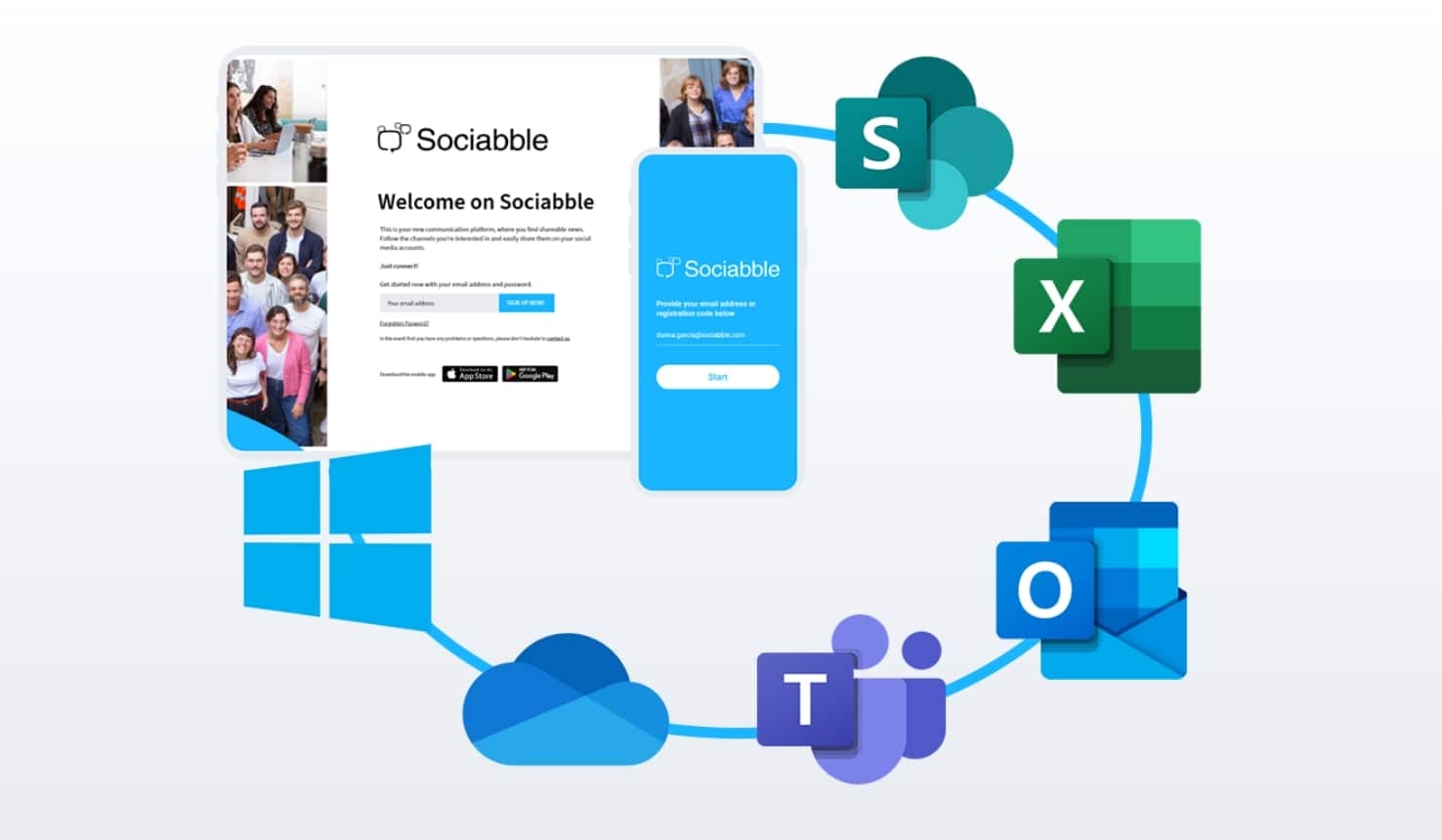
Key Integration Features
What, specifically, do Poppulo’s Microsoft Teams integrations entail? Here are specific examples of how your Poppulo platform will link seamlessly together with Microsoft Teams, to create a combined solution that’s more powerful overall:
1. Full App Embed in the Lateral Left App Bar
One of the standout features of Poppulo’s integration is the full app embed in the lateral left app bar of Microsoft Teams. This means that users can access Poppulo’s features without leaving the Microsoft Teams environment. This integration enhances accessibility and ensures that important updates and information across multiple channels are just a click away.
Example: If you have an employee advocacy program you use in tandem with Teams, Poppulo makes sharing simple. Employees can access corporate content directly from Teams, and share it in their own social networks with just a few clicks, and without having to leave their Teams interface. And when it comes to comms, the embedded Poppulo access strengthens internal comms, as important communication such as videos, product updates and leadership messages can be seen directly on Teams, thus perfectly melding your communication and collaboration tools.
2. Poppulo Tab Embedded into Specific Teams Channels
Poppulo channels can be embedded within specific Teams comms channel tabs, allowing for targeted communication. This feature is particularly useful for teams and departments that require specific information relevant to their roles. Embedding Poppulo channels in Teams’ themed channels facilitates focused and efficient communication.
Example: Need to create a short instructional video on safety protocols with Poppulo, and then share it with your regional managers? Nobody will have to leave their standard comms channel to create or receive it. And it works with multiple Teams channels, each one with its own unique Poppulo tab accessible with a click.

3. Manual Content Sharing to Teams
Poppulo enables manual sharing of content directly to Teams. Users can easily share articles, updates, and announcements from Poppulo to Teams channels and conversations, ensuring that all team members are informed and engaged. This manual sharing capability allows for personalized and context-specific communication, enhancing relevance and engagement within your Microsoft Teams apps’ integration.
Example: An article on a new industry trend that’s posted on Poppulo seems relevant to a current conversation on a Teams channel. An employee with private channel access to that Teams channel can manually select it and share it with the other parties who have access.
4. Bots for Automatic Sharing on Your Microsoft Teams App
To streamline communication, Poppulo offers bots that automate content sharing to any Microsoft Teams channel. These bots can push relevant content directly into Microsoft Teams channels, ensuring that users receive timely updates without the need for manual intervention. Automation ensures consistency and reduces the workload on communicators who use Microsoft Teams integrations.
Example: You want to distribute a weekly analytics report full of essential data, and share it with the marketing team each time it comes out. This can be managed automatically, from one centralized platform, across all relevant Teams communication channels. You can even base it upon multiple criteria, such as keywords, sources, internal tags, and more.
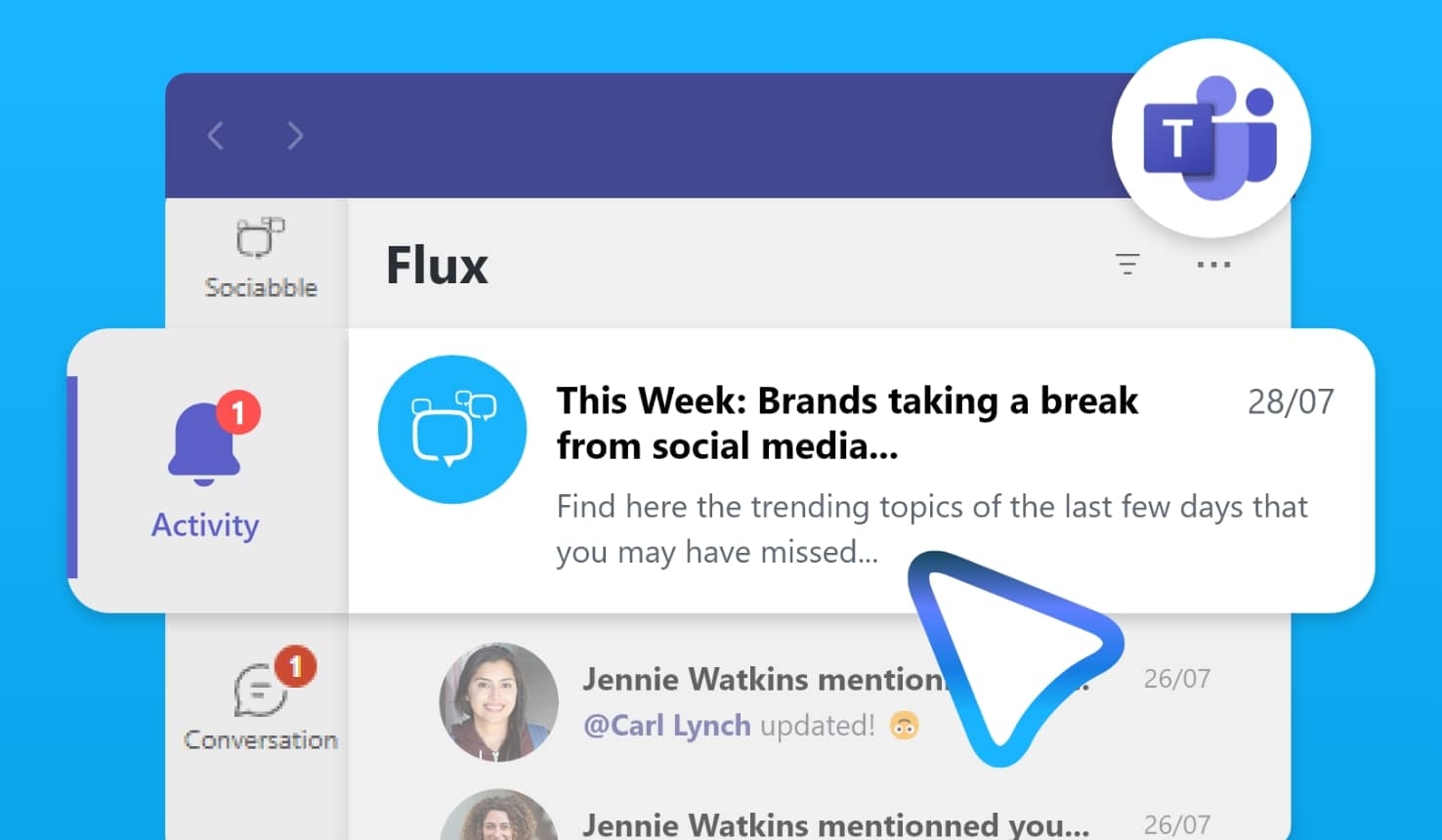
5. Enabling Poppulo Notifications in Teams Activity
Poppulo integrates with Microsoft Teams’ activity feed to provide notifications. This means that users can receive updates from Poppulo within their Microsoft Teams activity stream, keeping them informed without needing to switch platforms. They can also select what they want to be notified about, like if new content has been published, if they’ve received a badge, if a content-based campaign is ongoing, etc. Notifications help maintain real-time engagement and ensure that important information is not missed.
Example: Want to make sure your HR department’s Microsoft Teams channel doesn’t miss out on the announcement of new hires at the Friday town hall meeting on Poppulo? You can set the reminder so that they don’t forget to attend.
Enhancing Collaboration and Communication on Microsoft Teams Channels
The integration of Poppulo with Microsoft Teams fosters a collaborative environment by ensuring that all employees, whether in the office or on the frontline, have access to the same information. This unified approach to communication enhances productivity and engagement, leading to a more informed and empowered workforce. When you connect Microsoft Teams to the Poppulo experience, your entire comms platform becomes more effective.
Specifically, this means that the collaboration features of Microsoft Teams become enhanced by the smooth integration of all the communication features of Poppulo. You have the power to share content and updates like never before, with all of Poppulo’s targeting, sharing, creating, and advocacy options incorporated into your Microsoft Teams integration experience.
Microsoft Teams Integration: Making Poppulo Part of Your Teams App Experience
Integrating Poppulo with Microsoft Teams offers a seamless and fluid experience that enhances internal communication and employee engagement. By leveraging this Teams integration, organizations can ensure that important information is easily accessible, relevant, and engaging. We invite you to explore the benefits of Poppulo and Microsoft Teams integrations to improve your collaboration and communication strategies.
By leveraging the seamless integration of Poppulo with Microsoft Teams, your organization can enhance collaboration, improve communication efficiency, and foster a more engaged and informed workforce.
Want to learn more about connecting Poppulo to your existing Microsoft Teams tools? Fantastic. We’d love to chat. We’ve already partnered with global industry leaders from a variety of sectors, to optimize and enhance their integrated communications, and we’re ready to do the same for your company. Just sign up for a free, personalized demo.