
Beyond the Meeting: The Business Case for Idle Screen Takeovers
Guide
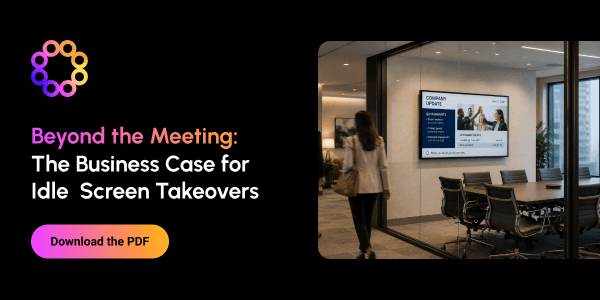
This guide explores how organizations can transform idle conference room screens into valuable employee communication channels. By displaying content between meetings—and automatically returning screens to their primary function when needed—businesses can extend the value of existing technology without disrupting workplace workflows. Idle screen takeovers can reinforce strategic priorities, expand campaign reach, promote time-sensitive information, improve meeting readiness, celebrate employee achievements, and deliver location- or audience-specific messages. The guide recommends keeping each screen focused on one clear message with concise copy, strong visual hierarchy, and an appropriate expiration date. The guide also provides a readiness checklist covering technical compatibility, stakeholder roles, content ownership, targeting capabilities, measurement, and governance. It encourages organizations to begin with a focused, low-risk pilot, evaluate its impact, and then scale the program across additional screens and locations.

Latest Guides
Filter By:
Beyond the Meeting: The Business Case for Idle Screen Takeovers
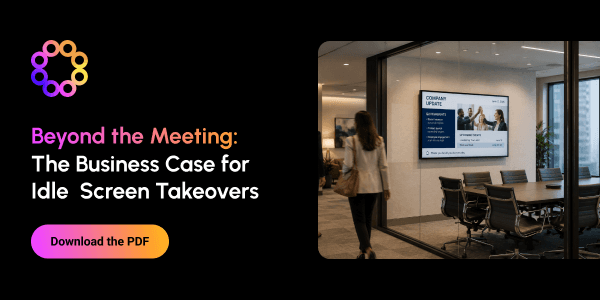
This guide explores how organizations can transform idle conference room screens into valuable employee communication channels. By displaying content between meetings—and automatically returning screens to their primary function when needed—businesses can extend the value of existing technology without disrupting workplace workflows. Idle screen takeovers can reinforce strategic priorities, expand campaign reach, promote time-sensitive information, improve meeting readiness, celebrate employee achievements, and deliver location- or audience-specific messages. The guide recommends keeping each screen focused on one clear message with concise copy, strong visual hierarchy, and an appropriate expiration date. The guide also provides a readiness checklist covering technical compatibility, stakeholder roles, content ownership, targeting capabilities, measurement, and governance. It encourages organizations to begin with a focused, low-risk pilot, evaluate its impact, and then scale the program across additional screens and locations.
Essential Digital Signage Applications for the Modern Factory Floor
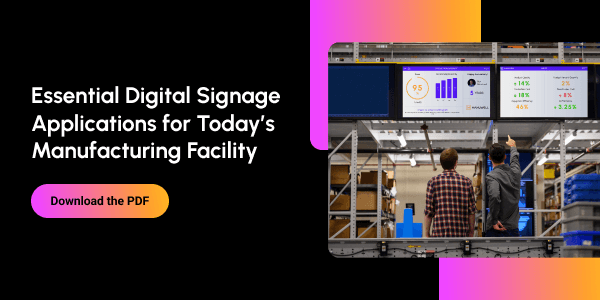
This guide explains how digital signage helps modern manufacturing facilities turn real-time information into action. Strategically placed screens give operators, supervisors, and plant leaders immediate visibility into production performance, machine status, schedules, alerts, standard work instructions, and operational milestones. It also highlights applications that support quality, safety, and employee communication. These include inspection and scrap dashboards, environmental monitoring, process-change notifications, safety metrics, hazard and emergency alerts, training reminders, company news, HR updates, and employee recognition. By connecting digital signage with MES, business intelligence, maintenance, quality, equipment, inventory, and logistics systems, manufacturers can bring previously siloed data directly onto the factory floor. The result is stronger situational awareness, faster responses, better coordination, and improved productivity, quality, safety, and workforce alignment.
Corporate Digital Signage: Essential Applications Guide
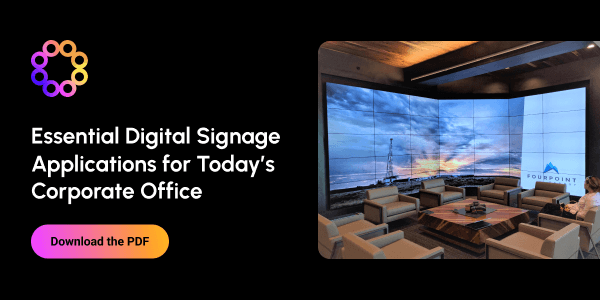
This guide shows how corporate digital signage can serve as a connected communication network rather than simply display announcements. It outlines applications for employee communications, engagement, recruitment, onboarding, wayfinding, meeting-room management, operational dashboards, emergency alerts, and workplace safety. It also explores how organizations can use lobby video walls, interactive displays, customer stories, and recognition content to create stronger brand experiences. Through examples from ZS and Daimler Truck North America, the guide demonstrates how a unified signage strategy can improve communication, streamline operations, and make every workplace screen more valuable. Ultimately, the guide encourages organizations to view each screen as a flexible, multipurpose channel. By expanding the number of applications supported by one digital signage network, businesses can increase the value of their infrastructure while creating a more informed, connected, and engaging workplace. Sign up today to learn everything you need to know about digital signage corporate applications!
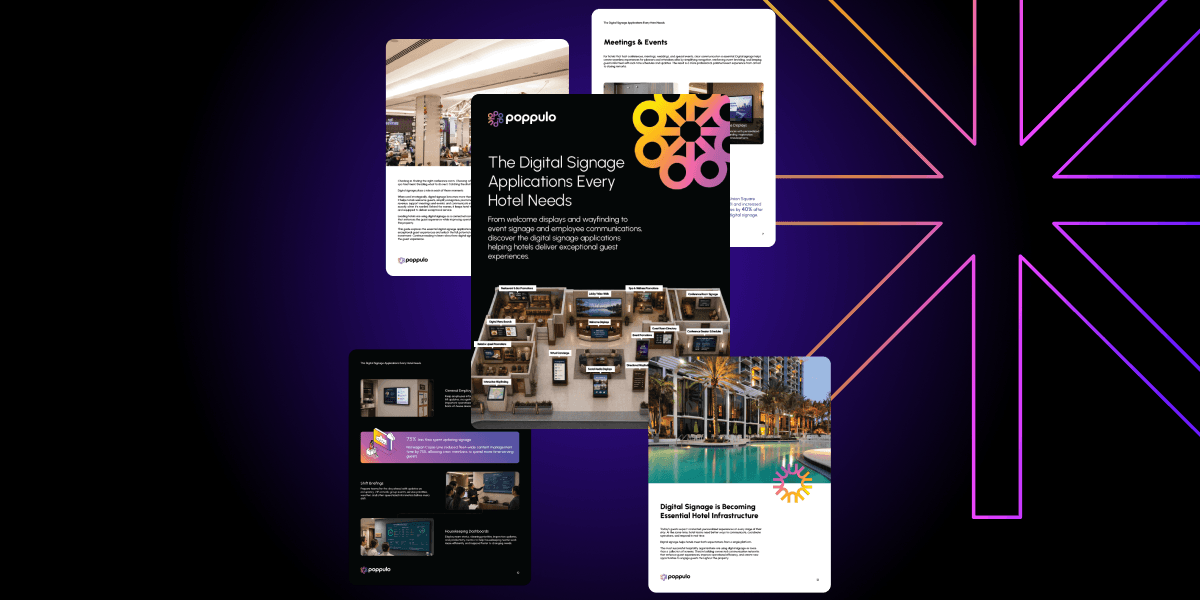
Digital Signage Applications Every Hotel Needs
Checking in. Finding the right conference room. Choosing where to dine. Booking a spa treatment. Deciding what to do next. Catching the shuttle to the airport. Digital signage plays a role in each of those moments. When used strategically, digital signage becomes more than a collection of screens. It helps hotels welcome guests, simplify navigation, promote amenities, drive revenue, support meetings and events, and communicate important information exactly when it’s needed. Behind the scenes, it keeps hotel teams informed, aligned, and equipped to deliver exceptional service. Leading hotels are using digital signage as a connected communication network that enhances the guest experience while improving operational efficiency across the property. This guide explores the essential digital signage applications helping hotels create exceptional guest experiences and unlock the full potential of their digital signage investment. Continue reading to learn about how digital signage is used to impact the guest experience.

Digital Signage Applications Every Campus Needs
Digital signage touches nearly every part of the campus experience. Students use it to find events, navigate buildings, check dining information, and stay informed throughout the day. And it’s not just students who rely on signage. Staff and faculty benefit from clearer, more consistent communication that reduces missed updates, cuts through inbox noise, and helps teams stay aligned across campus. As expectations around campus communication continue to grow, institutions are looking for better ways to keep students, staff, and visitors informed, engaged, and connected. That’s where digital signage plays an important role. Leading institutions are using digital signage as more than a collection of screens. They’re using it to improve communication, simplify navigation, support campus safety, and create more connected campus experiences. This guide explores the essential digital signage applications helping campuses improve engagement, navigation, safety, and communication.
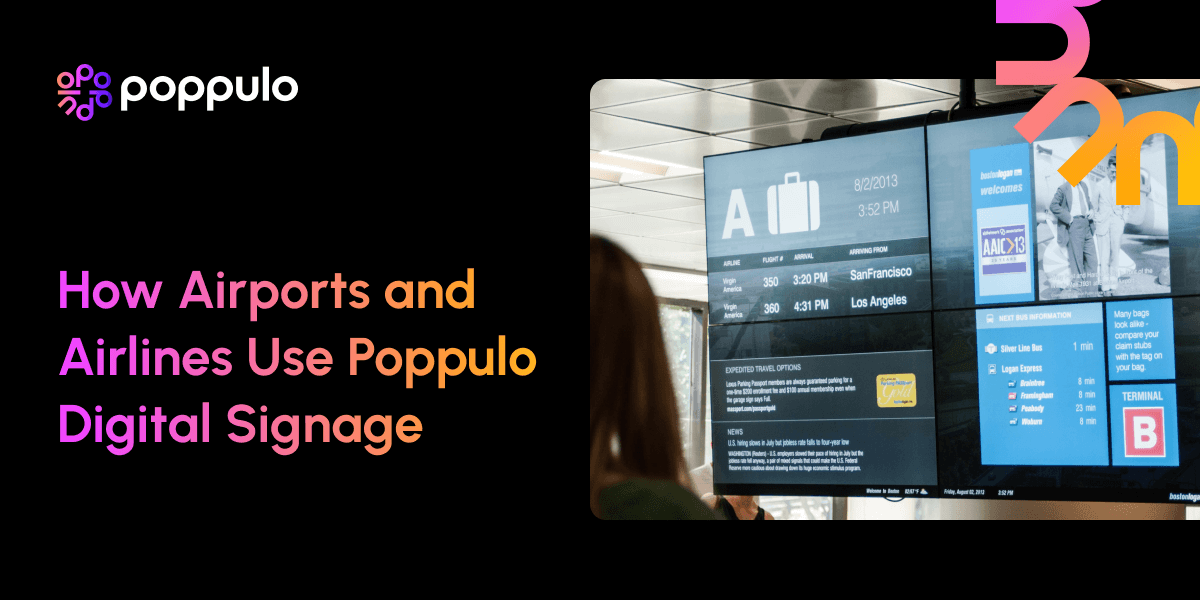
Powering Passenger, Employee, and Operational Communications At Scale
Poppulo enables airlines and airports to operate a single, scalable digital signage platform targeted to deliver critical communications to a variety of audiences. By integrating real-time operational systems with centralized content management and governance, Poppulo supports a wide range of use cases—from passenger information and wayfinding to operational visibility and employee communications—within a unified architecture. This approach allows airlines and airports to extend digital signage beyond isolated deployments, creating a coordinated network that can support evolving requirements without adding system complexity or fragmentation. In this whitepaper, you’ll learn how airlines and airports can unify passenger, employee, and operational communications on a single platform—supporting use cases like flight information displays, wayfinding, and real-time operational visibility. You’ll also see how integrating live data with governed content delivery enables more accurate, coordinated messaging at scale.

Subscribe to Get the Latest Resources in Your Inbox
Access On-Demand Webinars

Beyond the Screen: Building the Digital Signage Ecosystem That Drives Results
Digital signage is what people see. Connected experiences are what they remember. Inspired by our participation in the Avixa Retail Experience at InfoComm, this webinar explores what it really takes to create digital signage that drives outcomes—not just attention. We looked beyond the display itself to uncover the connected ecosystem that powers exceptional experiences. From content strategy and AV technology to data, analytics, and system integrations, you'll learn how each piece contributes to creating environments that are more engaging, more measurable, and ultimately more valuable. While the examples come from retail, the lessons extend far beyond the sales floor. Whether you're designing experiences for employees, students, patients, guests, or shoppers, watch this webinar on-demand to learn how to adapt the strategies and innovations behind today's most engaging retail environments to better connect with your own audiences—and drive meaningful outcomes for your organization. You'll Walk Away With: Insight into the ecosystem requirements behind successful, innovative digital signage experiences Strategies for applying retail innovations across any vertical Practical ways to create more engaging, measurable experiences

Beyond Full Page Graphics: What is Possible with Your Existing Communications
Many colleges and universities use digital signage to share announcements and promote events. Leading institutions are finding new ways to use their digital screen networks to improve the campus experience and support internal communications through integrating current communications, simplifying workflows, and leveraging emergency alerts. Drawing on their experience managing and supporting digital signage in higher education, Steve "Chewie" Stavar and Jeff Sechler showcased real-world examples of colleges and universities doing more than a playlist of images. From wayfinding and emergency communications to donor recognition, student engagement, and operational efficiency, they explored how campuses are extending the value of digital signage beyond traditional use cases. Whether you're looking for fresh ideas, planning future initiatives, or simply curious about what's possible, this webinar on-demand will provide practical inspiration you can bring back to your campus. Key Takeaways: Real-world examples of how colleges and universities are using digital signage beyond traditional announcements. Creative ways to support student engagement, campus communications, and operational goals. Opportunities to expand the value of your existing signage network.

From Idle Screens to Active Channels: Rethinking the Workplace Experience
As the workplace evolves, organizations are rethinking how their physical spaces support the employee experience. From offices to shared spaces, every environment is an opportunity to inform, engage, and connect employees in more meaningful ways. Digital signage is emerging as one of the most effective ways to activate these spaces—and conference room screens are one of the easiest, most overlooked places to start, especially in the moments before and after meetings. Watch this webinar on-demand to see how Poppulo’s latest release turns in-room screens into always-on communication channels, helping you share key messages and reach employees using the screens you already have. You’ll also see how easy it is to activate and manage content across your meeting room screens, in addition to getting a broader sense of what effective in-office communication looks like today. You’ll learn how to: Turn idle in-room screens into active communication channels Reach employees in high-attention moments before, after, and between meetings Reinforce campaigns and key messages without adding new channels Easily manage and scale content across conference room screens