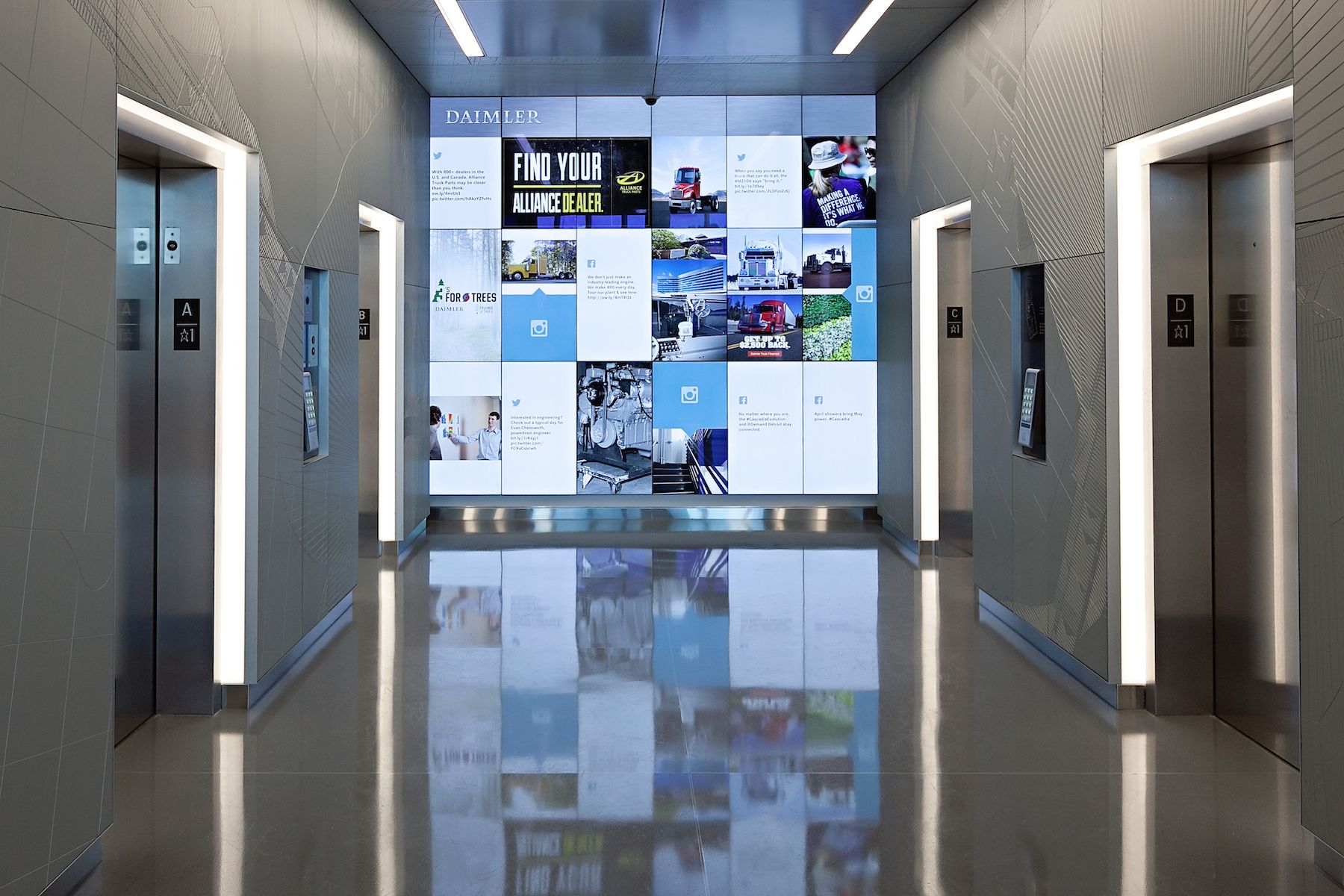
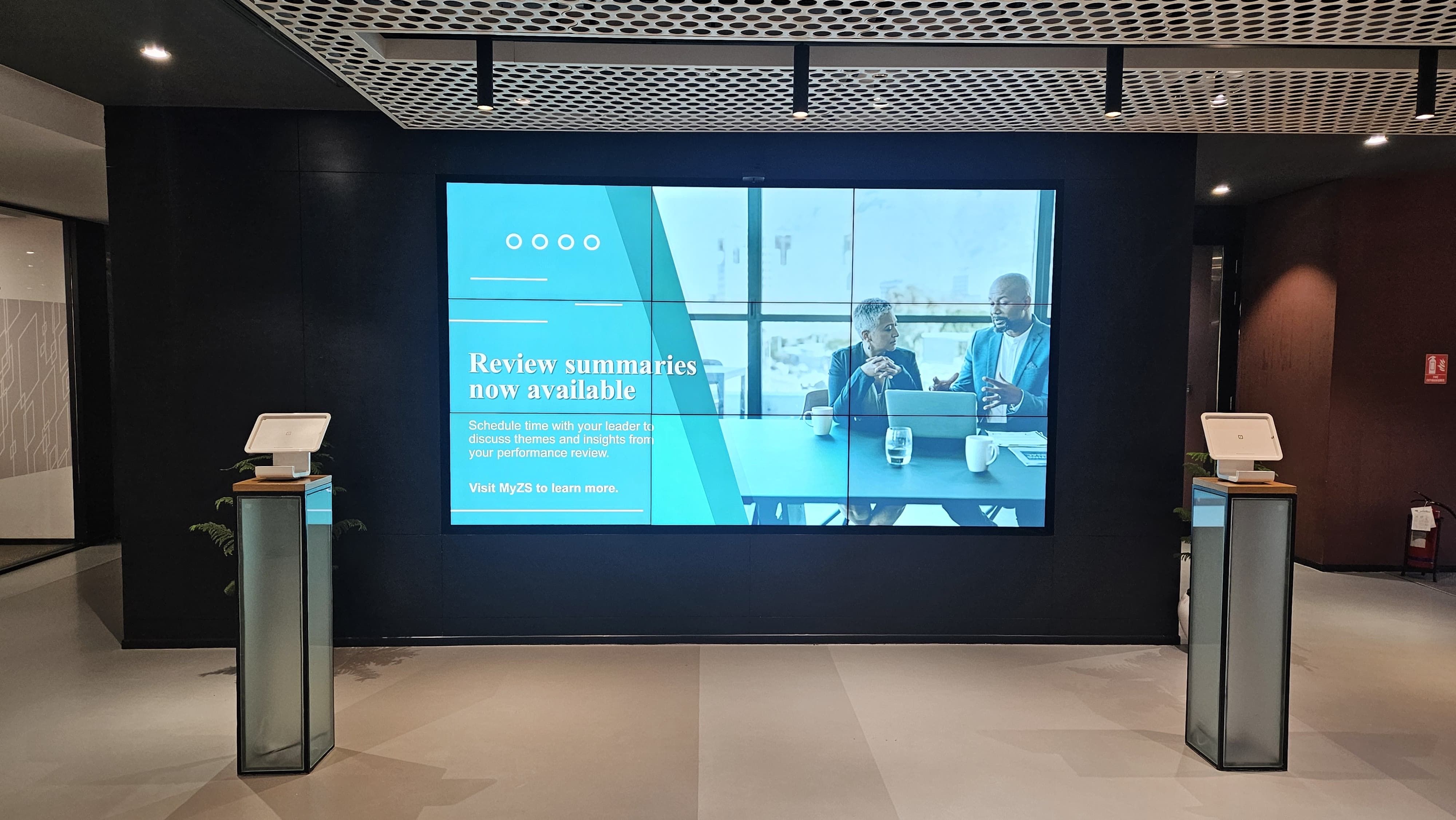
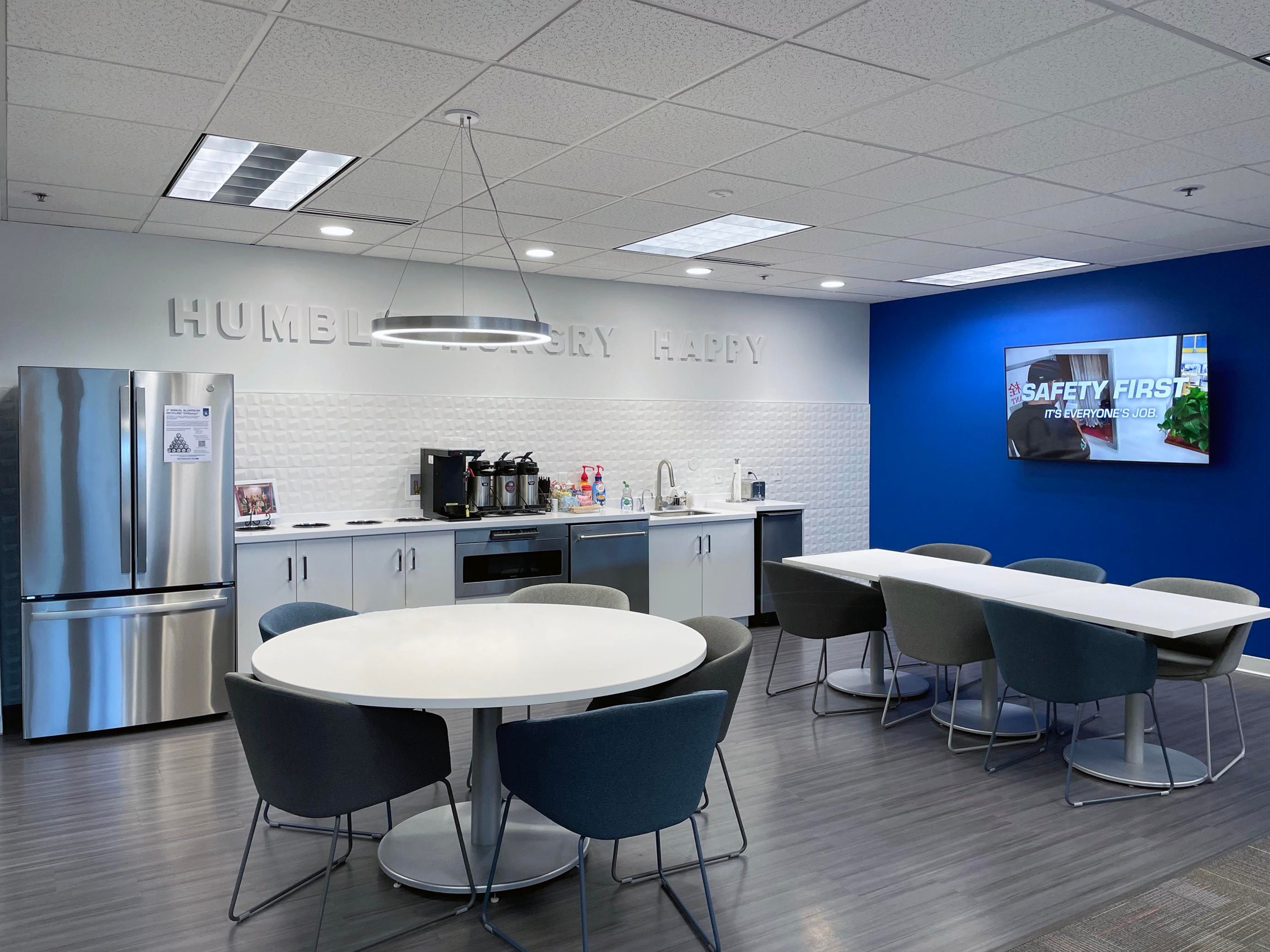
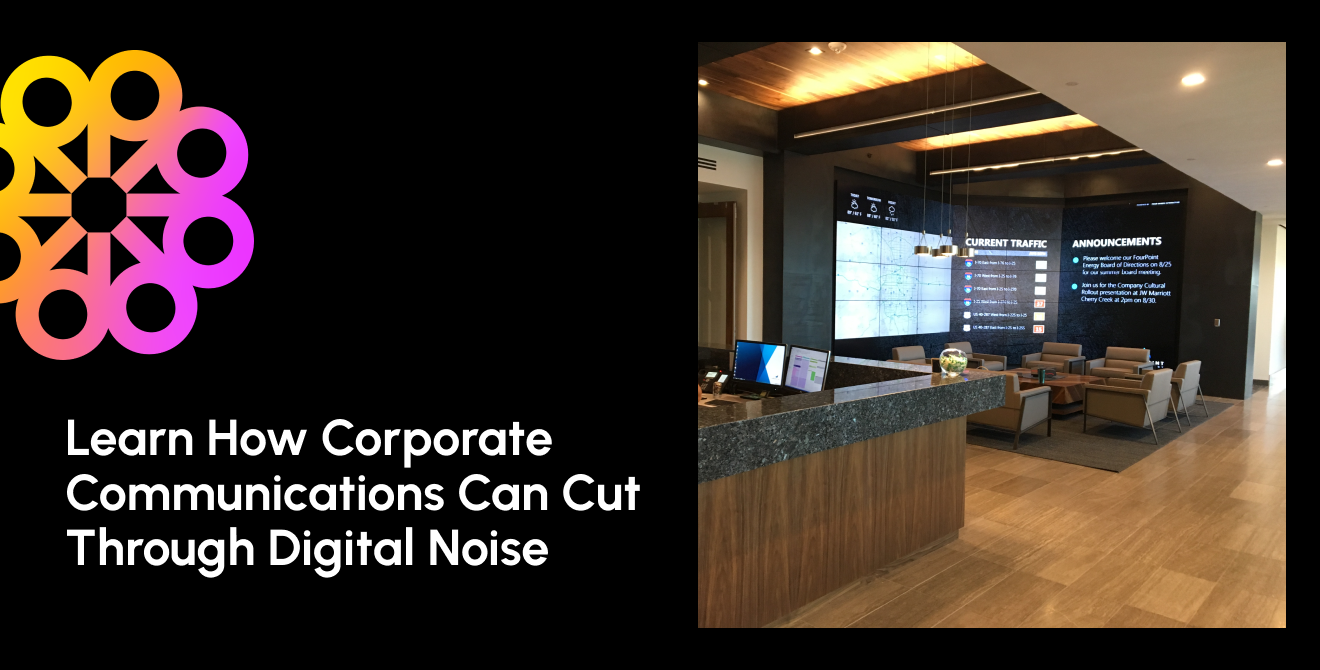
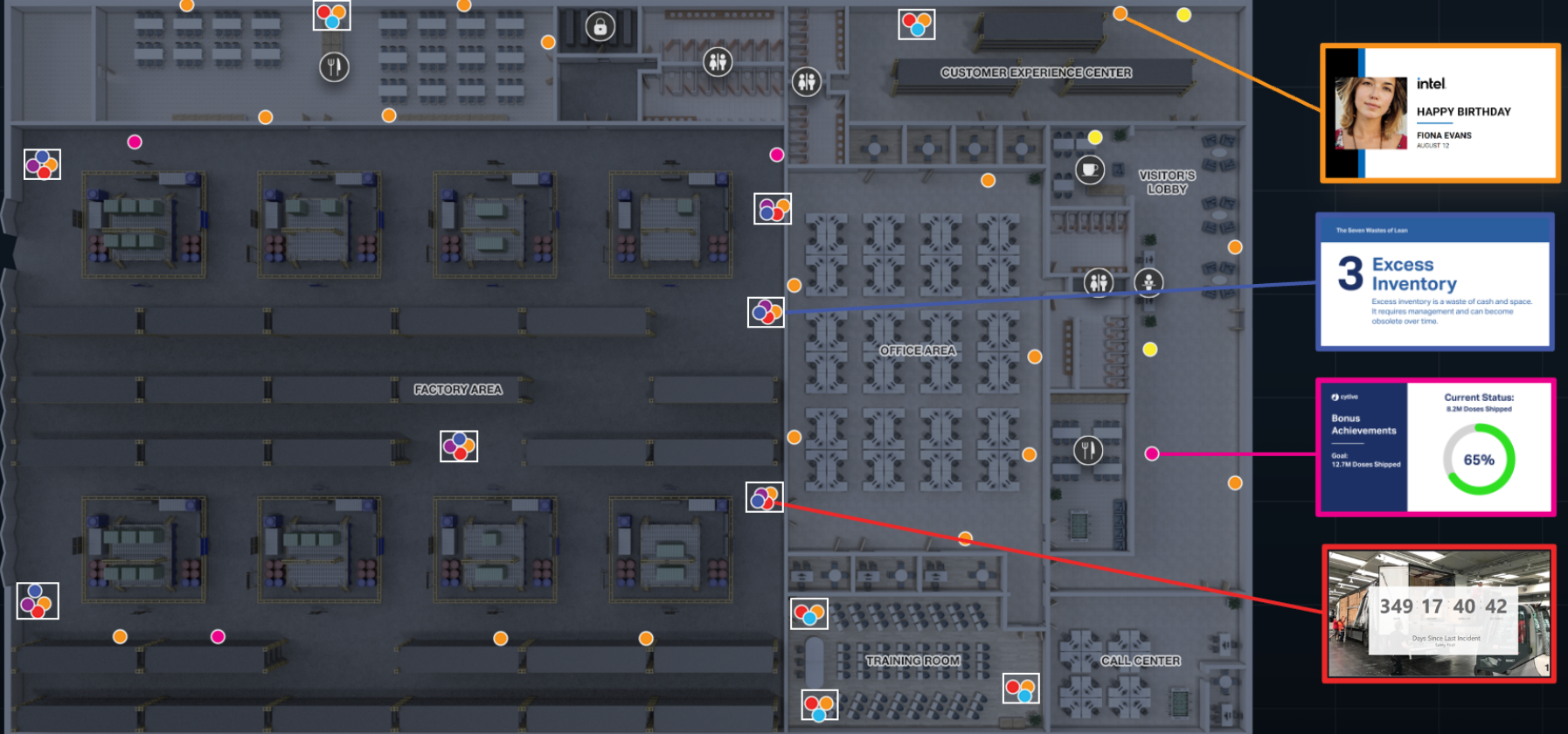
Corporate digital signage does more than welcome visitors. Screens can inform employees, guide guests, support meetings, recognize achievements and deliver urgent updates. Even conference room displays can become valuable communication channels between meetings.
The opportunity is to create one centrally managed network that delivers relevant content to the right displays, locations, and audiences.
Here are 12 practical corporate office digital signage applications and the needs they support.
1. Employee Communications
Place workplace digital signage in entrances, break rooms, cafeterias and elevator banks. Brief, visual content can reinforce priority messages and reach employees who do not work at a desk. Company updates, deadlines, and other internal messages are effective here.
2. Visitor Experience
Lobby and reception displays can greet customers, candidates, and partners. They confirm that visitors are in the right place, introduce the company, and explain what guests should do next.
3. Wayfinding and Directories
Place wayfinding displays near entrances, elevators and intersections. Maps, directories and event directions help people find rooms, departments and amenities, especially across large or frequently changing campuses. This can reduce frustration around your facility and leave a more positive lasting impression.
4. Room Scheduling
Room scheduling screens belong outside shared spaces. Connected to the organization’s calendar, they show availability, reservations, and capacity. These can help employees find suitable spaces while reducing conflicts and abandoned bookings.
5. Meeting Room Displays
Inside conference rooms, displays support presentations and video calls. Outside, smaller displays communicate bookings. Managed together, they create a consistent meeting experience and show how spaces are being used. Additionally, with Poppulo, those conference room screens now have the added benefit of being used to display key content when not in use during meetings, turning idle screens into another communication touchpoint.
6. Company News
Company news works well in cafeterias, break areas, elevator lobbies, coffee stations, and other areas where employees linger. Headlines can highlight key information, then direct viewers elsewhere for details. The goal is visibility, not displaying an entire article.
7. Employee Recognition
Screens near team areas and social spaces can celebrate promotions, anniversaries, and project wins. Timely, inclusive recognition makes achievements visible and supports a culture of appreciation. This, in turn, can motivate staff to work hard and achieve outlined objectives.
8. Events and Workplace Programming
Promote town halls, training and employee events near entrances and gathering spaces, then use directional screens to help move people to where they need to be. Countdowns and same-day updates build awareness and help attendees arrive on time.
9. Safety Information
Place safety reminders in operational areas, production spaces, and shared corridors. Content should be concise, legible, relevant to local conditions, and coordinated with the organization’s safety program.
10. Performance Dashboards
Displays in team areas and operations centers can show goals, service levels, or production status. Keep information appropriate for the audience and emphasize a few meaningful measures rather than a wall of data.
11. Emergency Alerts
During an emergency, centrally managed screens can override scheduled content with evacuation guidance, weather notices, or security alerts. Signage should remain one part of a coordinated, multichannel response plan in order to keep employees safe.
12. Idle Conference Room Screen Takeovers
Conference room screens often sit unused between meetings, even though they are distributed throughout the workplace and positioned directly in employees’ line of sight. An idle screen takeover turns that downtime into a controlled communication opportunity.
When a room is not in use, its display can show company news, leadership messages, event reminders, recognition, campaign content, or training prompts. Before the next meeting begins, the screen returns to its normal collaboration function. This approach expands the reach of corporate digital signage by activating hardware the organization already has.
One Network, Many Workplace Needs
A corporate digital signage network becomes more valuable when displays work together. Central management enables scheduling, location targeting, brand consistency and urgent overrides. A lobby can welcome guests while cafeteria and conference room screens serve employees.
That flexibility is the central advantage: One network can support employees, visitors, communicators, facilities teams and business leaders across the workplace.
Frequently Asked Questions
What is corporate digital signage used for?
It is used for employee communications, visitor experience, wayfinding, room scheduling, company news, recognition, events, safety messages, performance dashboards and emergency alerts. with the right digital signage platform, you can also activate idle conference room screens between meetings.
Where should digital signage be placed in an office?
Place screens where the intended audience will naturally see them, such as entrances, reception areas, elevator banks, corridors, cafeterias, team spaces and meeting rooms. The message and viewing context should determine the location.
What content should corporate offices display?
Display concise content that supports a clear need, such as announcements, event reminders, directions, safety guidance, recognition or business metrics. Target it by location and link to details when needed.
Can conference room screens display communications between meetings?
Yes. With the right technology and governance, idle conference room screens can display approved communications when rooms are not in use, then return to their meeting function automatically.