At a hotel, information can change between breakfast and the afternoon check-in rush. A meeting moves to a different room. A restaurant closes early. A storm changes plans for guests arriving that evening. Meanwhile, the brand campaign running in the lobby may need to stay consistent across dozens of properties.
That mix of local updates and portfolio-wide standards is what makes signage hard to manage at scale. A shared digital signage platform gives corporate, regional, and property teams one place to publish content and check screens. The harder part is deciding who owns each update—and making sure important information doesn’t sit in an approval queue or stay on screen after it’s out of date.
What Multi-Property Digital Signage Looks Like
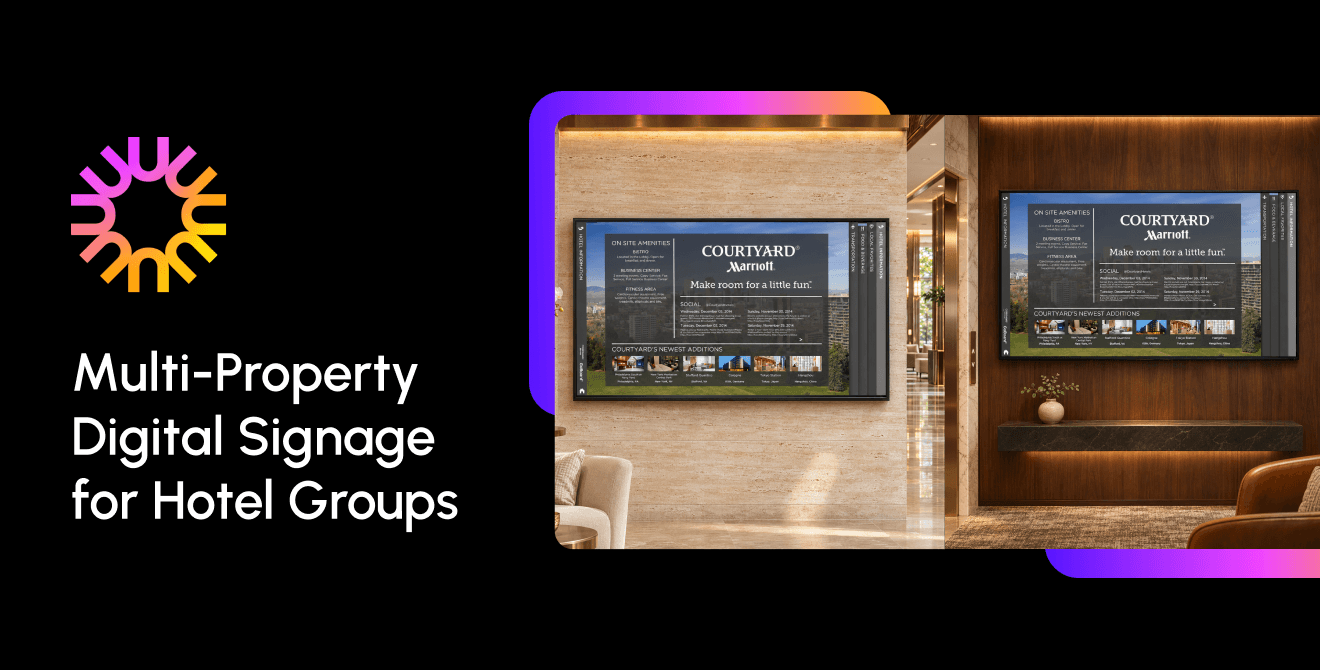
A multi-property network connects displays in several hotels to a shared content management system (CMS). From there, teams can organize screens by brand, region, property, department, or location. A corporate marketing team might publish a campaign to every lobby, for instance, while a property manager updates the meeting schedule for one ballroom.
Content ownership often falls into three broad groups:
- Corporate: Brand campaigns, approved templates, required messages, and announcements intended for the whole portfolio.
- Regional: Translations, market-specific promotions, and communications shaped by local requirements or time zones.
- Property: Restaurant hours, room assignments, local events, and day-to-day operational notices.
The categories are a starting point, not a rulebook. Some hotel groups give regional teams approval rights; others let property managers publish certain updates directly. The important thing is to define those rights before teams start using the system.
Put the Right Information on the Right Screens
Guests and employees use hotel spaces differently, so the content should reflect where a display sits and who is likely to see it.
Guest-Facing Screens
In the lobby, guests may be looking for a welcome message, an offer, or a quick answer about where to go. Outside a meeting room, they want to know whether the event is there and when it starts. Restaurant displays have another job: show the current menu and hours without sending someone to replace a printed sign each time something changes.
Typical placements include lobby and elevator displays, wayfinding screens, restaurant menus, event directories, and signs outside meeting rooms. A schedule change is a useful test of the system: can the event team find every affected display and correct the room assignment before attendees head in the wrong direction? The software helps, but a named content owner still needs to check the update.
The same goes for meal-period menus. A hotel might schedule breakfast and lunch content in advance, but service hours can shift during a holiday or a private event. Let the property manager adjust the schedule and make sure someone checks it when operations change.
Employee Screens
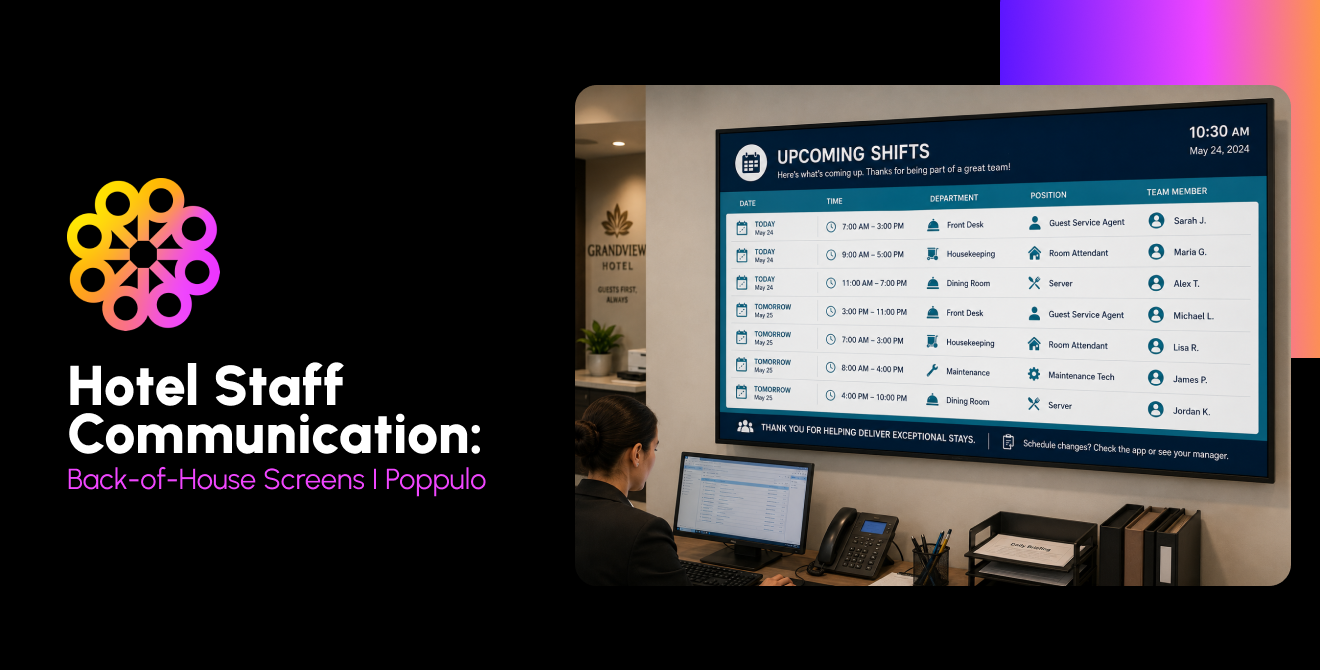
Housekeeping, maintenance, front desk, and food-and-beverage teams may not spend much time at a computer. Displays in a staff corridor or break room can reach them between tasks, especially when an update is short and specific: which rooms have priority, where a shift briefing is happening, or what changed in today’s service plan.
Employee screens can also carry safety reminders, training notices, recognition, and department goals. Assign an owner and an end date to each message. Otherwise, yesterday’s shift update can remain visible long after it has stopped being useful.
Local Updates and Urgent Information
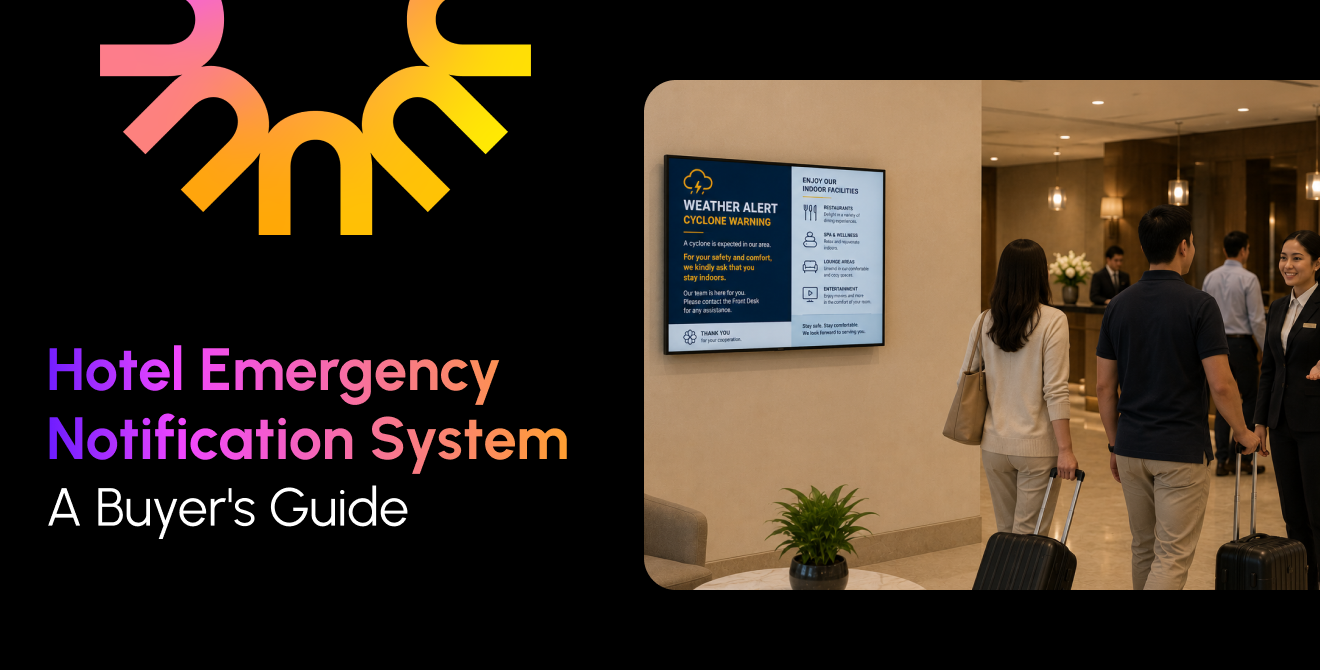
A coastal property may need to share a weather warning. A downtown hotel may need to explain that a street closure has changed the route to the entrance. In either case, local staff need a quick publishing path and clear guidance on who can approve or send the message. For emergencies, signage should follow the hotel’s established response procedures and work alongside required life-safety systems.
Set the Rules Before the Screens Go Live
If every menu change has to go through corporate, local teams will lose time. If there are no guardrails, required messages and brand standards can vary from one property to the next. Most groups need both: central ownership of shared standards and local authority over information that changes at the property.
Corporate operations, IT, and marketing usually set the brand templates, shared content libraries, security requirements, publishing roles, and portfolio-wide campaigns. They also define who can send urgent messages and which screens those messages can interrupt.
Property teams need room to update restaurant hours, meeting schedules, welcome messages, local events, and temporary notices. A locked template can keep the fonts, colors, and layout consistent while leaving the menu items or event times editable. Reserve approval workflows for content that actually needs review; routine updates shouldn’t wait in the same queue as a new campaign.
For groups with several brands, decide which assets and permissions are shared. A luxury flag and a select-service brand may use the same system but need separate libraries and approval rules. Franchise agreements can add another layer: the person responsible for publishing may differ by property.
Write down who creates, approves, publishes, and removes each kind of content. Set an expiration date or review reminder for temporary messages. These small decisions prevent a lot of screen-by-screen cleanup later.
What to Check When Comparing Platforms
Use the vendor discussion to test how the platform fits your actual organization and technology—not just its feature list.
| Capability | Why hotel groups need it | Ask the vendor |
|---|---|---|
| Hierarchy and permissions | Access may differ by brand, region, property, department, or screen group. | Can we assign publishing and approval rights at each level? |
| Multi-brand support | Brands may share infrastructure while maintaining distinct identities. | Can each brand keep separate templates, libraries, and approval workflows? |
| Time-zone and daypart scheduling | A breakfast promotion should run at local breakfast time. | Can schedules follow each property’s time zone? How are daylight saving changes handled? |
| Integrations | Connected data can reduce re-entry when schedules change. | Does the platform connect to our property-management, room-booking, or HR systems? |
| Offline playback | Some systems keep cached content playing during a connection outage. | What stays on screen when the network goes down, and what stops working? |
| Emergency override | Authorized teams may need to interrupt routine content on selected screens. | Who can activate an override, and can it target a property or region? |
| Device monitoring and proof of play | IT needs to spot offline players and confirm scheduled playback. | Can we review device health and playback by property or screen? |
| Security and compliance | Signage has to meet enterprise access and security requirements. | Does the platform meet our requirements for SSO, MFA, SOC 2, or ISO 27001? |
Don’t rely on a vendor description to answer questions about offline playback or emergency overrides. Test those functions during the pilot. Note which screens are covered and what staff should do if connectivity or the signage system is unavailable.
Roll Out in a Way You Can Repeat
Start by taking stock of the network you have. List each property’s displays, locations, media players, operating systems, and network constraints. Include current content tools, hardware age, and maintenance needs. This gives IT a realistic view of what can stay and what will need attention.
Next, decide what each screen is for. A lobby display and a housekeeping-office screen shouldn’t be treated as interchangeable. Record the intended audience, who updates the content, and how often it changes. Separate guest, employee, and safety-related use cases so the content plan reflects the space.
Before installation expands, settle the publishing rules and technical requirements. Define corporate, regional, and property permissions; prepare templates; set review or expiration dates; and agree which messages must reach every location. IT should document approved hardware, firewall and network needs, identity requirements, remote monitoring, and emergency procedures.
Then choose two or three pilot properties that expose different conditions. A large convention hotel, a select-service property, and a location with unreliable connectivity will reveal more than three similar hotels. During the pilot, try ordinary tasks and exceptions:
- Publish a corporate campaign to the intended screen groups.
- Have local staff update content within their permissions.
- Check that schedules use each property’s local time.
- Disconnect the network and confirm what cached content continues to play.
- Follow the emergency override procedure.
- Ask IT to identify and troubleshoot a disconnected player.
Track what goes wrong and how long it takes to fix. Before expanding, revise training, permissions, templates, or hardware standards based on what the teams actually encountered.
Scale by region or another practical grouping. After each stage, review content accuracy, screen availability, the time staff spend updating displays, and feedback from property teams. Those measures will show whether the rollout is working operationally—not just whether the screens have been installed.
Measure What the Screens Are Meant to Do
A device report can show whether a screen is online and whether scheduled content played. It cannot tell you on its own whether a guest found the meeting room or an employee understood a policy update. Pair network data with a measure tied to the reason each display exists.
For operations, track screen availability, expired or incorrect content, campaign delivery, playback errors, and proof of play. Proof of play confirms that content ran on a designated screen; it doesn’t confirm that anyone saw or understood it.
For business outcomes, set a baseline before launch. A hotel might count repeated direction questions before and after adding an event directory, track sales from a promotion with a unique offer code, or ask property staff how much time they spend changing menu boards. Employee screens may call for feedback from department managers or staff rather than playback reports.
Poppulo reports a 60% ROI for Hilton San Francisco Union Square’s signage program. Its article on measuring signage value also describes a 40% year-over-year improvement in sales of branded screen takeovers at the property. These are reported results from one hotel program, not a forecast for another group. See Poppulo’s Hilton San Francisco Union Square case study and its article on proving digital signage value.
How Poppulo Fits a Multi-Property Network
Hotel groups evaluating Poppulo can assess its content management across locations, user permissions, and support for guest-facing and employee communications. Map those capabilities to your own brand structure, publishing workflows, integrations, security requirements, and screen inventory.
A pilot gives teams a chance to see how the platform fits daily operations: who publishes local updates, how corporate campaigns reach the right displays, and how IT checks device status.
Multi-Property Digital Signage FAQs
Can Each Hotel Customize Its Own Screen Content?
Yes, if the platform’s permissions allow it. Corporate teams can provide approved templates, and property teams can update details such as restaurant hours, local events, and meeting schedules. Decide which updates require approval and who keeps each one current.
What Happens to Screens if the Internet Goes Down?
That depends on the platform. With offline playback, a player may continue showing content already downloaded to it. New updates, live data, and remote management may stop until connectivity returns. Test the behavior during the pilot and document a fallback for urgent information.
Can One Platform Manage Multiple Hotel Brands?
Yes, if it supports the group’s hierarchy, content separation, templates, and permissions. Confirm that each brand can maintain its own assets and approval rules. Check franchise agreements too; they may affect who can publish at a property.
How Can a Hotel Group Send an Emergency Message to Every Property?
Some platforms let authorized users interrupt routine content on selected screens. Define who can send the message, which properties it reaches, and how the process fits the hotel’s emergency plan. Digital signage should complement required life-safety systems.
Can Corporate Schedule Content Across Time Zones?
Many platforms support schedules based on each property’s local time. Confirm how the system handles daylight saving changes and property-specific schedules. Meal-period content can also be scheduled to change through the day.
Keep the Network Useful Locally
A central dashboard helps, but it doesn’t decide who owns the meeting schedule or catch a menu that’s still showing yesterday’s hours. Clear publishing roles, a pilot that reflects real property conditions, and a few well-chosen measures give hotel groups a better way to manage those details as the network grows.
To discuss your properties, screen network, and communication needs, reach out to begin talking to an expert!