Hotel digital signage decisions usually come down to a short list of recurring questions: will it connect to the PMS, can one team manage screens across every property, and does it pay for itself—or go beyond that and actually drive revenue? This guide answers the questions hotel and hospitality teams ask most often—from Delphi and CITY integrations to reader boards, meeting-room signage, and ROI. For a broader look at the category, see digital signage for hospitality.
In this guide, we’ll discuss:
- PMS and system integration
- Reader boards and event boards
- Multi-property management
- ROI
- In-room vs lobby signage
- Choosing software for hotels and resorts
- Meeting rooms and events
- Costs, hardware and setup
- Guest experience, wayfinding, and accessibility
- Staff and back-of-house communication
- Restaurants and F&B
- Events, meetings, and conference venues
- Safety, security, and privacy
- Technology, AI, and trends
- Buying and switching platforms
PMS & System Integration
Can hotel digital signage integrate with PMS systems like Oracle Delphi or Agilysys CITY?
Yes. Hotel digital signage connects to Delphi, Agilysys CITY, and similar PMS or sales-and-catering systems through APIs or middleware, so room status, meeting schedules, and event details populate screens automatically. Once connected, a change made in the PMS appears on signage within minutes, with no manual re-entry. Poppulo's platform integrates with existing hotel data sources and systems rather than requiring a separate, manually managed workflow.
How does digital signage integrate with a hotel's property management system for real-time updates?
Digital signage integrates with a hotel's PMS through an API or data feed that push booking, occupancy, and event information to screens as records change. Instead of a staff member retyping updates onto a board or replacing paper signs, the digital signage software reads directly from the PMS or a connected scheduling tool. This is what eliminates manual front-desk updates and keeps screens accurate in real-time. Learn more about PMS-connected signage for hotels.
Hotel Reader Boards & Event Boards
What is a hotel reader board and how does digital signage replace the traditional printed version?
A hotel reader board is the lobby or meeting-space display listing the day's events, conferences, and room assignments—traditionally a printed sign or letter board updated by hand. Digital reader boards replace that with a screen that pulls schedule data from an events or booking system and updates automatically, so changes appear instantly instead of requiring a reprint or a manual rearrange.
Managing Digital Signage Across Multiple Hotel Properties
How can hotel groups manage digital signage content across multiple properties from one platform?
Hotel groups manage multi-property signage through a centralized content management system that stores brand-approved templates in one library, then schedules content to specific properties or screen groups. Role-based permissions let corporate marketing control brand standards while local staff update property-specific details—like a restaurant's daily specials—within approved templates, without needing design or IT support on-site.
What features matter most for managing digital signage across hotel chains and locations?
The features that matter most for multi-property hotel signage are centralized scheduling, role-based permissions, cross-property reporting, and remote troubleshooting.
- Centralized content library and scheduling
- Role-based permissions for local overrides
- Cross-property performance reporting
- Remote monitoring and troubleshooting, so IT can fix issues without an on-site visit
Read more: multi-property digital signage management
ROI of Hotel Digital Signage
What is the ROI of installing digital signage in hotels?
Hotel digital signage ROI comes from three sources: lower print and labor costs from eliminating manual board updates, incremental F&B and event upsell revenue from on-screen promotions, and improved guest satisfaction from clearer wayfinding. At Hilton San Francisco Union Square, Poppulo digital signage delivered 60% ROI and a 40% increase in branding package sales after deployment.
How can hotels measure the return on investment of digital signage?
Hotels measure digital signage ROI through a few concrete KPIs: print-cost savings versus printed reader boards, staff hours saved on manual updates, upsell conversion on promoted F&B or spa offers, branded screen takeover sales, ad sales, and screen dwell time or engagement.
Read more:digital signage ROI for hospitality
In-Room vs Lobby Digital Signage
What's the difference between in-room and lobby digital signage for hotels?
In-room digital signage runs on the guest-room TV and typically shows welcome messages, hotel services, and upsell offers like spa or dining packages aimed at one guest. Lobby digital signage is public-facing, used for wayfinding, event schedules, and promotions seen by every guest and visitor passing through—making it the higher-reach screen investment. However poppulo can power both lobby screens and guest-room TVs from the same platform.
Should hotels start with lobby signage or in-room displays first?
Hotels with a limited budget should typically start with lobby signage, since it reaches every guest and visitor rather than only overnight guests, and it replaces the highest-maintenance item—the printed reader board—first. In-room displays are a natural second phase once lobby and meeting room content and integrations are proven.
Best Digital Signage Software for Hotels & Resorts
What is the best digital signage software for hotels and resorts?
The best digital signage software for hotels and resorts depends on ease of use for non-technical staff, depth of integration with PMS and events systems, reliability across many screens, and the quality of ongoing support. Poppulo is built for hospitality and other guest or employee-facing environments, reaching hundreds of millions of people across more than 600,000 screens with centralized control and integration into existing systems.
Read more: choosing hotel digital signage software
Digital Signage for Meeting Rooms & Events
How can hotels use digital signage for meeting rooms and events?
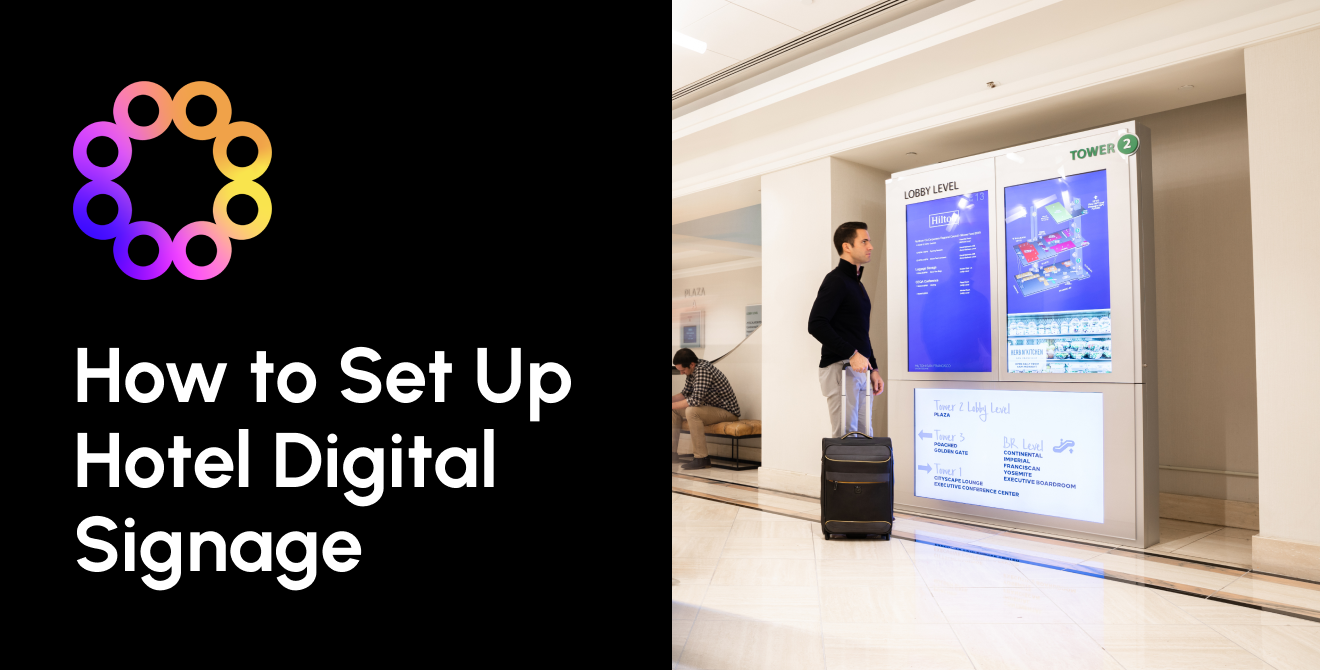
Hotels use digital signage outside meeting rooms and in event spaces to show real-time schedules, room assignments, and wayfinding that update automatically from the catering or booking system. Guests and planners see current information without staff manually swapping signs between sessions, and screens can be grouped by floor or wing to guide attendees through a large property.
How do digital event boards reduce staff workload for last-minute meeting changes?
Digital event boards cut staff workload by pushing a single schedule change to every affected screen at once, instead of requiring someone to walk the property updating printed signs by hand. When a meeting moves rooms or times, the update syncs automatically from the booking system, so screens stay accurate without a reprint or a manual round.
Read more: meeting room and event signage for hotels
Costs, Hardware & Setup
What is hospitality digital signage, and where is it used beyond hotels?
Hospitality digital signage is a network of screens, run from central software, that shows guests and staff information that changes: event schedules, directions, menus, promotions and alerts. In hotels and resorts you usually find it in lobbies, meeting space, elevator lobbies and F&B outlets. In restaurants it mostly means digital boards and drive-thru screens. In conference and event venues room signs, agendas and wayfinding run. The signage helps to serve guests as well as staff.
Can hotels use regular consumer TVs for digital signage?
You can, but in public areas it usually costs more over time Commercial displays are built for 24/7 use, usually come with longer warranties instead of one year, and can run in portrait.
What happens to hotel digital signage if the internet goes down?
Most cloud signage systems store content on the player. If the connection drops, screens keep showing the last content they downloaded. Anything live stops updating during an outage: event schedules, data feeds and remote emergency messages.
Ask each vendor three things: how long cached content keeps playing, what a screen shows when a data feed fails (blank, stale or fallback content), and how your team finds out a player has gone offline.
How do you set up digital signage in a hotel?
Most rollouts follow the same order:
- Map where guests and staff need information: arrival, meeting space, F&B, back of house.
- Choose screens and players for each location (commercial-grade for always-on areas).
- Pick a CMS and connect data sources such as your sales-and-catering or events system.
- Build templates for each screen type, then schedule content to specific screens or groups.
- Agree who updates what, and test emergency overrides before go-live.
You can break implementation into four steps: install hardware, build content, connect third-party data sources, and schedule content to screens. In our view, IT network approvals and integration work usually set the timeline, so bring in IT and the events team before you order hardware.
Guest Experience, Wayfinding & Accessibility
Do digital signs in hotels need to meet ADA requirements?
Digital screens don't replace the permanent signs the ADA requires. The US Access Board's guide to the 2010 ADA Standards says interior and exterior signs identifying permanent rooms and spaces must meet tactile requirements. That covers room and floor numbers, room names and labels such as conference rooms and restrooms. Temporary signs posted for seven days or less are exempt. The same guide states that "the Standards do not address variable message signs or electric signs" and points to ICC A117.1 for technical specifications on variable message signs.
In practice, treat digital wayfinding as an extra layer on top of compliant static signs. Design screens for legibility: high contrast, large type, and no essential information that only appears in motion. If you add touch kiosks, make sure people using wheelchairs or with low vision can reach and use them. Always check requirements for your jurisdiction with an accessibility consultant.
What should hotels show on lobby and public-area screens?
Time-sensitive, useful content gets looked at most: today's events and room locations, directions, weather, transport (shuttles, flight boards, taxis), dining hours and specials, and amenity or loyalty promotions. Hotels can add QR codes so guests can take information to their phones, emergency overrides, and social proof such as reviews. You can also place screens where guests linger or need information, such as elevators, check-in desks and bars. Also, real-time weather, local attractions, flight and shuttle feeds front and center help keep guests informed.
Our view: keep promotional loops short, and make sure each screen answers the question people are most likely to have in that spot.
Staff & Back-of-House Communication
How can hotels use digital signage to communicate with frontline and back-of-house staff?
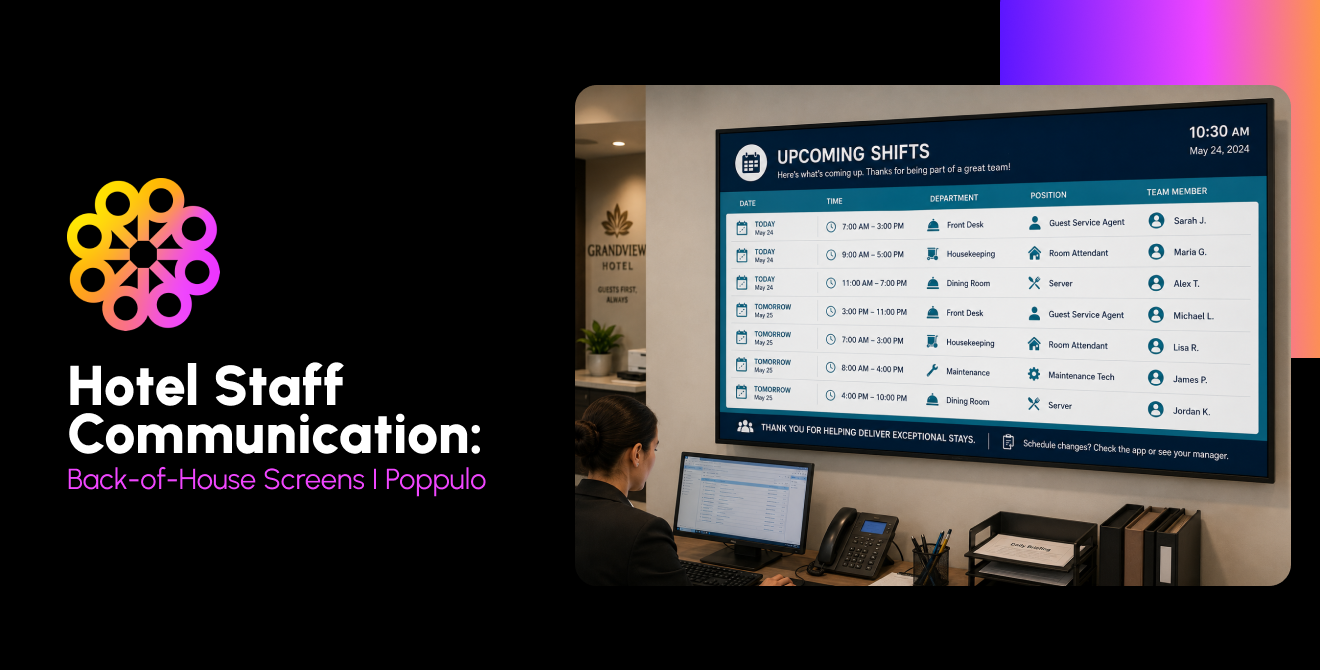
Back-of-house screens reach employees who rarely sit at a desk or check email: in break rooms, staff entrances, kitchens, and housekeeping areas. Typical content includes shift notes, VIP arrivals, occupancy and event counts, safety reminders, recognition, and short training videos.
Hotels are still short-staffed. In AHLA's survey of 282 hoteliers (Dec 2024–Jan 2025), 65% reported staffing shortages. The most critical gaps were housekeeping (38%) and front desk (26%). Screens won't fix staffing, but they can save managers from repeating the same briefing every shift.
What should go on back-of-house screens in a hotel?
Put up information that changes daily and that staff need to act on: today's arrivals and VIPs, group and event counts, occupancy, shift changes, safety procedures, and short training clips. Also, vacancy reports and VIP arrivals for back-office screens and training videos and "Employee of the Month" recognition.
Two cautions from our side. Only show the guest details staff actually need. And place back-of-house screens where guests can't see them.
Restaurants, Bars & Food and Beverage
What do restaurants and hotel F&B outlets need to run digital menu boards?
You need commercial-grade screens, a media player or a display with a built-in player, digital signage software, and ideally a POS integration so prices and availability stay in sync. Poppulo's hospitality page lists menuboards for cafés, grab-and-go and other F&B outlets, with items, prices and pictures editable from anywhere.
For multi-outlet hotels, running menu boards on the same platform as the rest of the property's screens is the best option.
Events, Meetings & Conference Venues
Can digital signage help hotels win group and event business?
Using hotel digital signage to display customized welcome messages and showcase branded screen content during site visits can help event managers see how easy it could be to convert your space into their space. Increasingly, event managers want to create unique, memorable experiences, and they see digital signage as a way to deliver that.
In fact, within a month of using Poppulo's managed service, the Hilton San Francisco Union Square began personalizing site visits, increasing event bookings, and immediately upselling branded signage packages.
Poppulo reports that within a month of using its managed service, Hilton San Francisco Union Square began running personalized site visits and selling digital branding packages.
Can event groups put their own branding on hotel digital signage?
While most hotels have digital signage, not many offer customized branding packages. Usually, this is due to complex signage workflows, or the inability to easily create and deploy content. However, due to Poppulo’s flexible hotel digital signage platform, many of our customers are able to offer this, creating an additional revenue stream with minimal effort.
How do convention and conference centers use digital signage differently from hotels?
Mostly in scale and sponsorship. Convention centers run more screens over larger footprints, change content for every event (sometimes several a day), and often sell screen time to sponsors and exhibitors. Scheduling by event, sponsor inventory and wayfinding across halls matter more there, given the amount of people convention centers see, as well as how large many of them are.
Safety, Security & Privacy
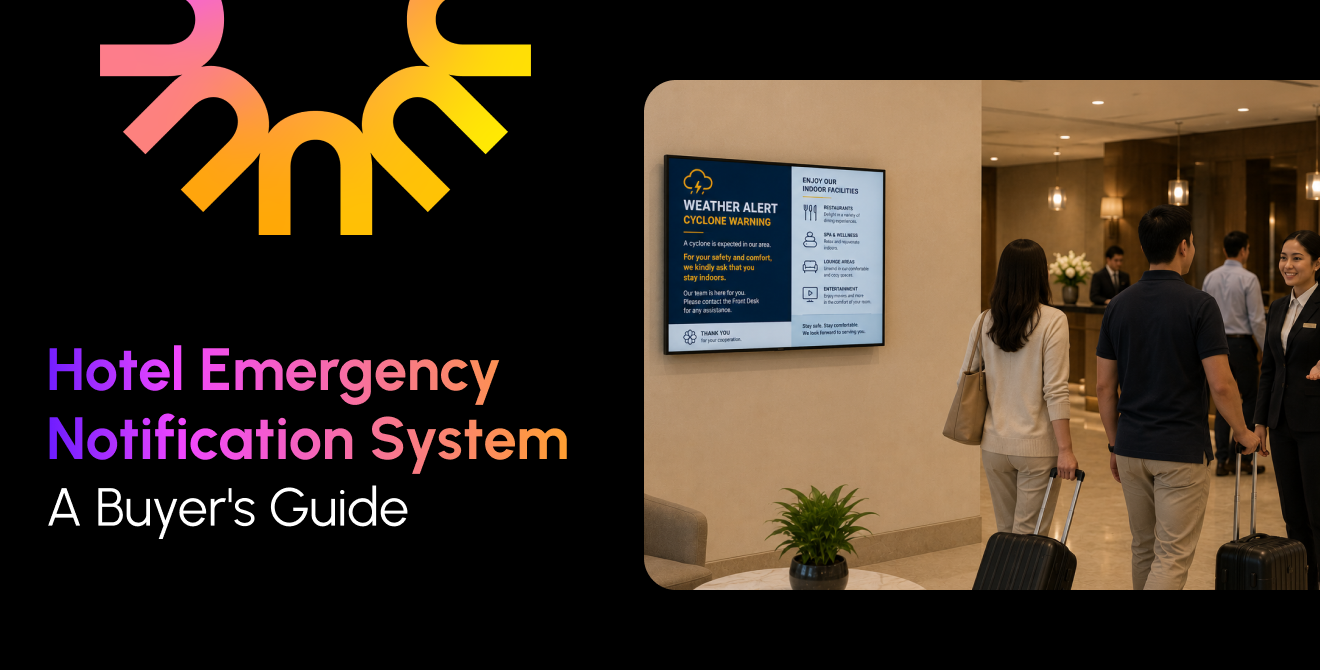
Can hotel digital signage display emergency alerts?
Yes. With Poppulo’s enterprise digital signage platform, scheduled content can be manually or automatically replaced with an emergency alert. The ability to integrate with emergency alert systems and also deploy screen takeovers manually enables hotels to quickly communicate with guests in emergency situations.
Technology, AI & Industry Trends
How is AI being used in hospitality digital signage?
So far, mostly for content creation and analytics, not autonomous personalization.
AI is also changing how events get booked. In Cvent's 2024 survey, 54% of planners already used AI tools for venue sourcing. When evaluating vendors, ask which AI features are generally available and which are still on the roadmap, and what data they use.
Do hotels need separate vendors for in-room TV and lobby digital signage?
While some digital signage platforms treat these as independent applications, and do not operate across both use cases, Poppulo can power any digital signage application your property needs. This includes guest room TVs, readerboards, menuboards, interactive kiosks, wayfinding, video walls, and more, all from a single platform.
Should hotels choose cloud-based or on-premise digital signage?
Most new deployments are cloud-based. Cloud management removes on-site servers and lets a central team manage many properties.
On-premise can still suit properties with strict network policies or unreliable connectivity. Whichever you choose, confirm how the system behaves offline (see above) and where your data is stored. Populo provides cloud digital signage solutions as well as on-premise solutions, ensuring you get what’s right for your property.
Buying, Vendor Selection & Switching Platforms
What questions should hotels ask before choosing a digital signage vendor?
Use these in your RFP or demo call:
- Which sales-and-catering, events and PMS systems do you integrate with today?
- What do screens show when the network or a data feed fails?
- Can you share security attestations (e.g., SOC 2, ISO 27001)?
- How are emergency alerts triggered, and is CAP supported in both directions?
- Which players and displays are supported, and can our existing screens be reused?
- Who builds templates, and what's included in support and content services?
- Can you give references from properties of a similar size and type?
What should a hotel do if its digital signage platform reaches end of life?
First, find out exactly when support ends. Then plan the migration before support runs out:
- Get written confirmation of the support timeline, and of what "end of life" means for software updates and security patches.
- Inventory screens and players and check which can be reused. Vendors often say existing hardware can be repurposed, but compatibility varies by model, so you need to check.
- Export templates, content and schedules, and list every integration you'll need to rebuild.
- Use the switch to review whether current screen locations and content still earn their place.
Where to go from here
Hotel digital signage decisions get easier once PMS integration, multi-property control, and ROI tracking are in place. For a fuller breakdown of platforms, use cases, and rollout planning, visit digital signage for hospitality or contact us.